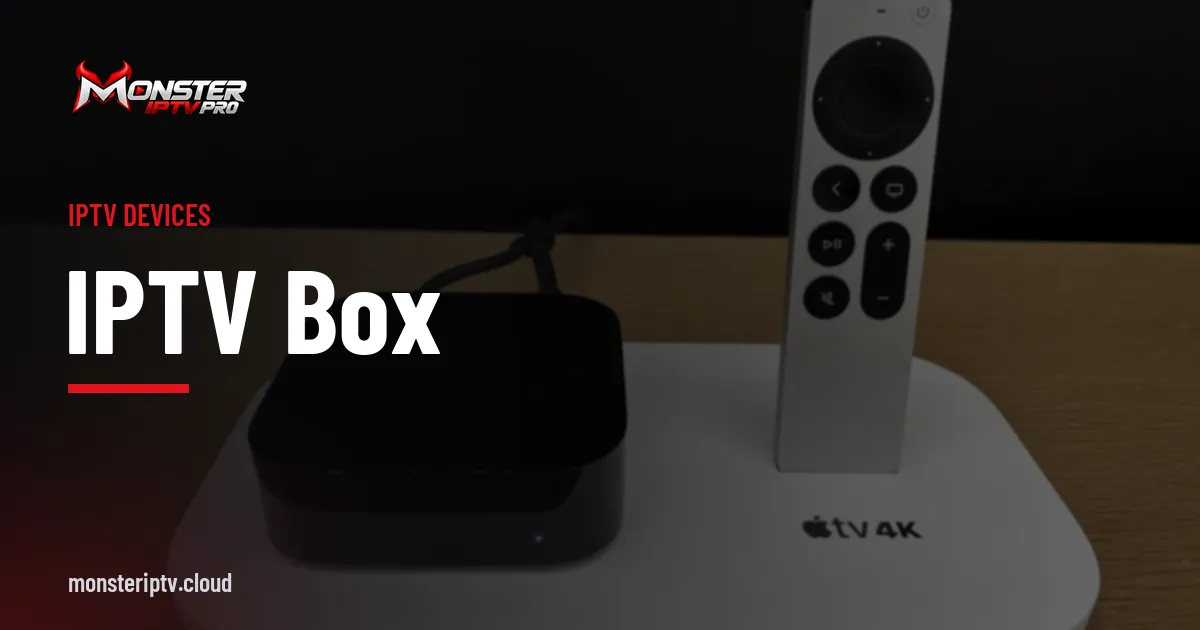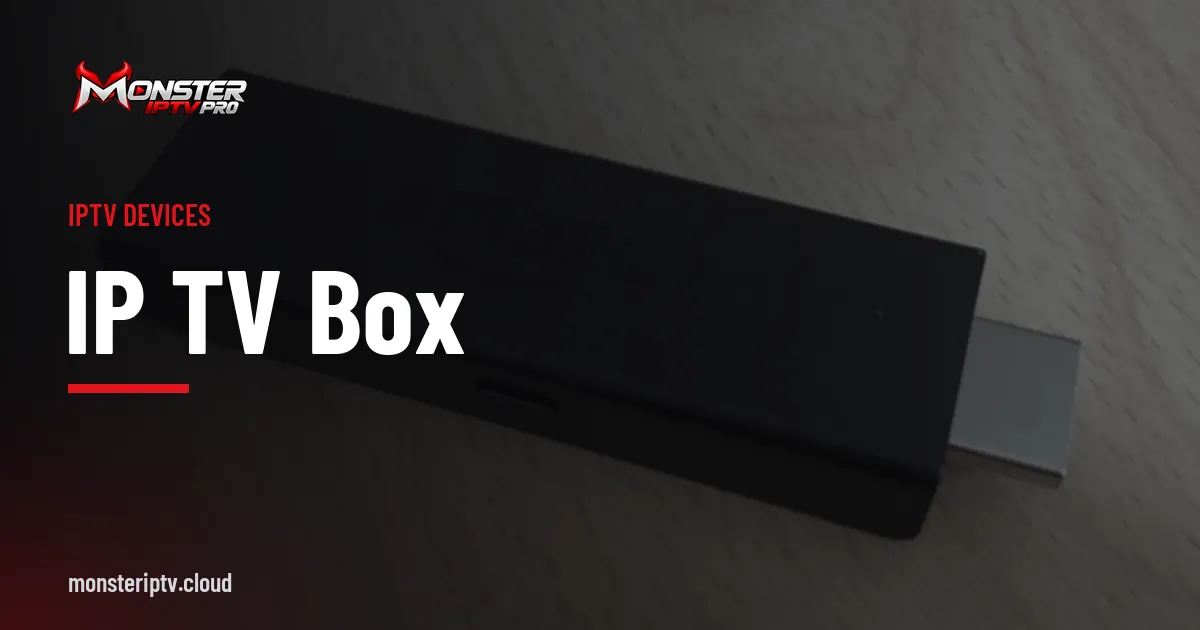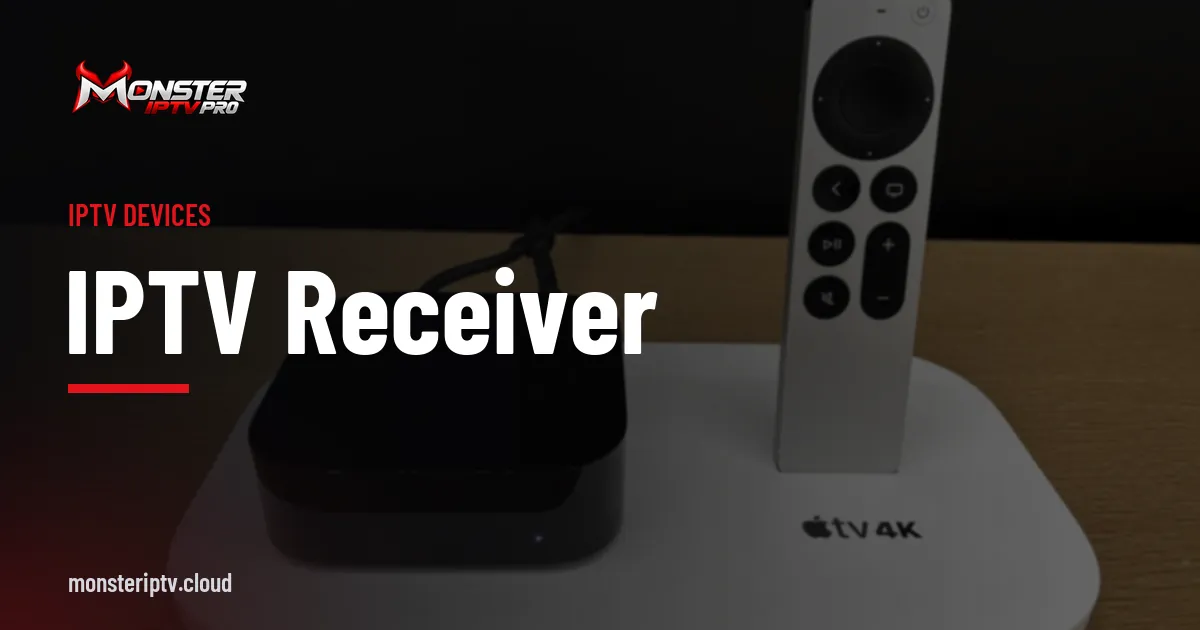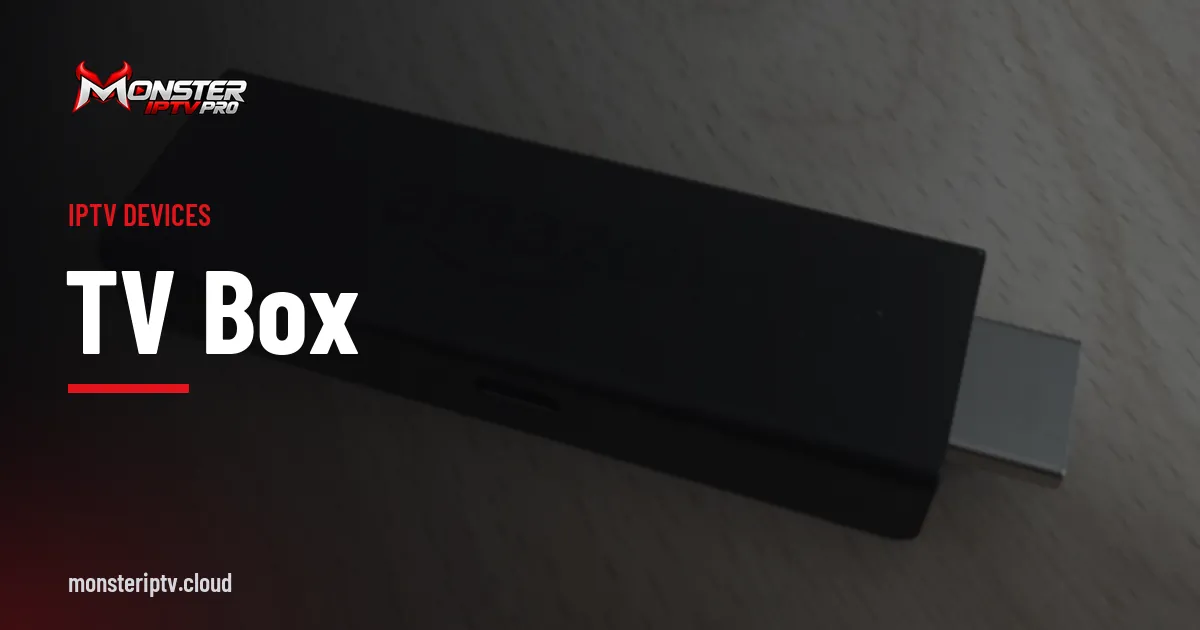
A TV box connects to your television's HDMI port and adds apps, streaming services and IPTV players. It can make an older TV feel new, fill gaps in a smart TV's app store and often runs apps faster than the TV's own system. With many options available, choosing the right one depends on your apps, your network and your budget.
This buying guide compares the main types. For first-time setup, see our IP TV box setup guide; for receiver types in general, see our IPTV receiver guide.
Types of TV box
| Type | Strengths | Limits |
|---|---|---|
| Streaming stick | Affordable, compact, wide app choice | Often no Ethernet port; limited storage |
| Android TV / Google TV box | Ethernet, more storage, many apps | Quality varies between brands |
| Apple TV | Fast, long software support, polished apps | Higher price; different app selection |
| Operator box | Designed for one provider's TV package | Works only with that provider |
What to compare
- Apps: are your essential apps and IPTV player available?
- Codecs: HEVC support for efficient HD and 4K; AV1 is a bonus.
- Network: an Ethernet port, or support for an adapter.
- Performance: processor and memory for large playlists and smooth menus.
- Storage: space for apps and caches.
- Remote: voice search, app buttons, HDMI-CEC.
- Updates: a brand with a record of long software support.
Matching a box to your needs
| Need | Suggested type |
|---|---|
| Budget, simple apps | Streaming stick |
| Live sport, large playlists | Android TV box with Ethernet |
| Apple ecosystem | Apple TV |
| Provider TV package | Operator box |
Choosing between a stick and a box
A streaming stick plugs directly into the HDMI port and is powered by USB or a small adapter. It is compact, affordable and fine for most apps. A larger TV box usually has more memory, more storage, better cooling and an Ethernet port. For live TV and IPTV, where stable network performance matters most, a box with a wired connection often gives a smoother experience, especially during busy evenings and big sporting events.
If your router is in the same room as the TV, a box with Ethernet is easy to connect. If it is far away, consider powerline adapters or a mesh Wi-Fi system rather than relying on a weak Wi-Fi signal.
Understanding codecs and formats
Video is compressed with codecs. H.264 is the most widely supported. HEVC (H.265) provides the same quality at a lower bitrate and is common for HD and 4K streams. AV1 is a newer, efficient codec used by some streaming services. A TV box with hardware support for HEVC, and ideally AV1, plays modern streams smoothly without overheating. For HDR, check which formats the box and TV support: HDR10 is common, while Dolby Vision and HDR10+ depend on the model.
Software support matters
A TV box is only as good as its software. Boxes from established brands receive regular system and security updates, which keep apps working and protect your network. Cheaper boxes from unknown brands may run an outdated version of Android, lack official app store access and never receive updates. Check whether the box is certified for Android TV or Google TV, which provides access to the Google Play Store and regular updates.
Avoid "fully loaded" boxes
Some sellers offer boxes preloaded with apps that promise every channel for free. These apps are usually unlicensed, may contain malware and can stop working at any time. Buy standard boxes from mainstream retailers and install apps yourself from official stores. Our article is IPTV legal? explains why.
Setting up for the best picture
- Use the TV's HDMI port that supports 4K HDR.
- Connect by Ethernet if possible.
- Set resolution to match the TV and enable match frame rate.
- Install system updates before adding apps.
Several TVs
If you have several TVs, using the same type of box in each room keeps menus consistent for the household. Each box playing at the same time counts toward a service's device limit.
Common mistakes
- Buying a box without checking app availability.
- Choosing a Wi-Fi-only stick for a TV far from the router.
- Buying preloaded boxes.
- Skipping updates.
A worked example
A household with a seven-year-old TV wants smoother apps and an IPTV player. They choose an Android TV box with an Ethernet port and HEVC support from a mainstream retailer, install apps from Google Play and connect by cable. Menus are faster and sport plays smoothly.
Checklist
- List essential apps.
- Check codec and network support.
- Choose a reputable brand.
- Buy from mainstream retailers.
- Set up with updates and Ethernet.
Key terms
- HEVC: an efficient video codec for HD and 4K.
- HDMI-CEC: control of several devices with one remote.
- Fully loaded box: a box preloaded with unlicensed content apps.
Using a TV box with Monster IPTV
Monster IPTV works with players on popular TV boxes and sticks. See the supported devices page.
Budget guide
| Budget | What to expect |
|---|---|
| Low | A streaming stick with Wi-Fi and HD or 4K support |
| Middle | A 4K stick or box with HEVC, more memory and Ethernet support |
| Higher | A premium box with Ethernet, AV1, plenty of storage and long support |
Spending a little more usually buys better performance and longer software support, which matters more than headline features for a device you will use every day.
Remote and accessibility features
A good remote makes daily use easier. Voice search saves typing, HDMI-CEC lets one remote control the TV and box, and backlit buttons help in a dark room. Many boxes also offer screen magnification, larger text and spoken menus for viewers with visual impairments.
Frequently asked questions
What is a TV box?
A device that connects to your TV and adds apps and streaming services.
Which TV box is best?
It depends on your apps, network and budget; Android TV boxes with Ethernet suit many IPTV users.
Do I need a TV box with a smart TV?
Not always, but it often runs apps faster and offers more choice.
Are fully loaded boxes legal?
Boxes preloaded with unlicensed content apps are risky and usually unlawful.
Should I use Ethernet?
Yes, where possible, for the most stable picture.
Summary
Choosing a TV box means matching apps, codecs, network, performance and updates to your needs. Buy standard boxes from mainstream retailers, avoid fully loaded boxes and set up with updates and Ethernet.