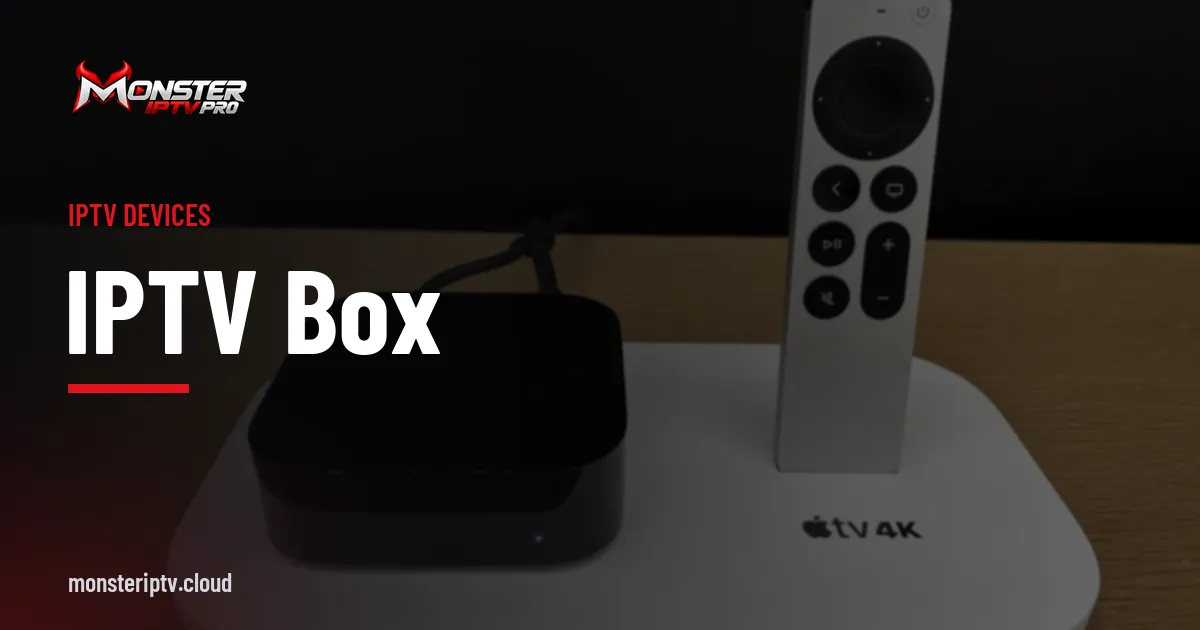
An IPTV box is a small device that connects to your TV's HDMI port and runs the apps you need to watch internet TV. It is the easiest way to upgrade an older TV, or to get a faster, more flexible experience than your TV's built-in apps. The term covers several kinds of hardware, from Android TV boxes to streaming sticks and specialist set-top boxes.
This guide compares the main types, explains which specifications actually matter, and covers what to avoid when buying.
Types of IPTV box
| Type | Examples | Strengths | Things to know |
|---|---|---|---|
| Android TV / Google TV boxes | Nvidia Shield, many branded boxes | Wide app choice, good codec support | Quality varies widely between brands |
| Streaming sticks | Amazon Fire TV Stick, Chromecast with Google TV | Compact, inexpensive, easy setup | Wi-Fi only unless you add an adapter |
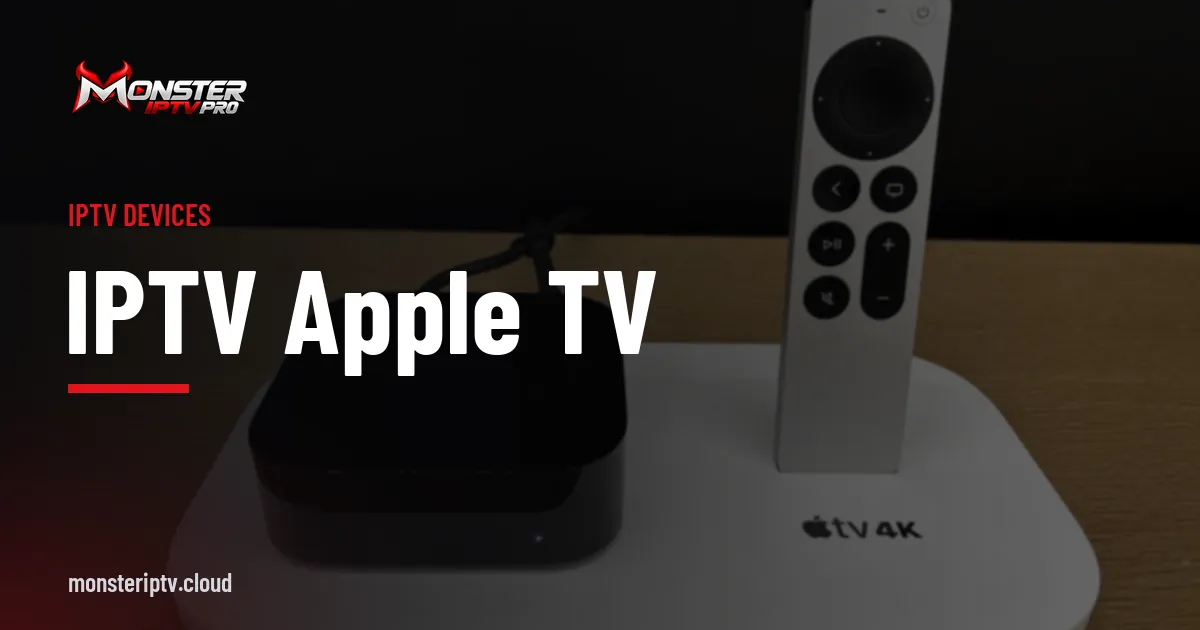
| Apple TV | Apple TV 4K | Smooth, well-supported apps | Different app store, higher price |
| Linux set-top boxes | MAG boxes, Enigma2 receivers | Designed around IPTV portals or bouquets | Setup differs; app choice is limited |
For most people, an Android TV box, a streaming stick or an Apple TV is the simplest choice, because popular player apps such as TiviMate or IPTV Smarters are available on them. Our guide to IPTV on Firestick covers the most popular stick in detail.
Specifications that matter
Processor and memory
A faster processor makes menus, programme guides and channel switching feel quicker. At least 2 GB of RAM is a sensible minimum for a smooth player app with a large channel list.
Codec support
Hardware decoding of HEVC (H.265) is important for efficient HD and 4K streams. AV1 support is a bonus on newer devices. Without hardware decoding, high-bitrate streams can stutter.
Network connection
Look for Ethernet on a box for your main TV, or at least strong Wi-Fi support such as Wi-Fi 5 or Wi-Fi 6. Ethernet gives the most stable playback.
Operating system and updates
Choose a box running a recognised platform such as Android TV or Google TV, Fire OS or tvOS, with regular security updates. Cheap boxes running generic Android builds may never receive updates and can lack official app stores.
Output resolution and HDR
If you have a 4K TV, choose a box that outputs 4K and supports the HDR formats your TV uses. See our guide to 4K IPTV for more.
Remote control and voice search
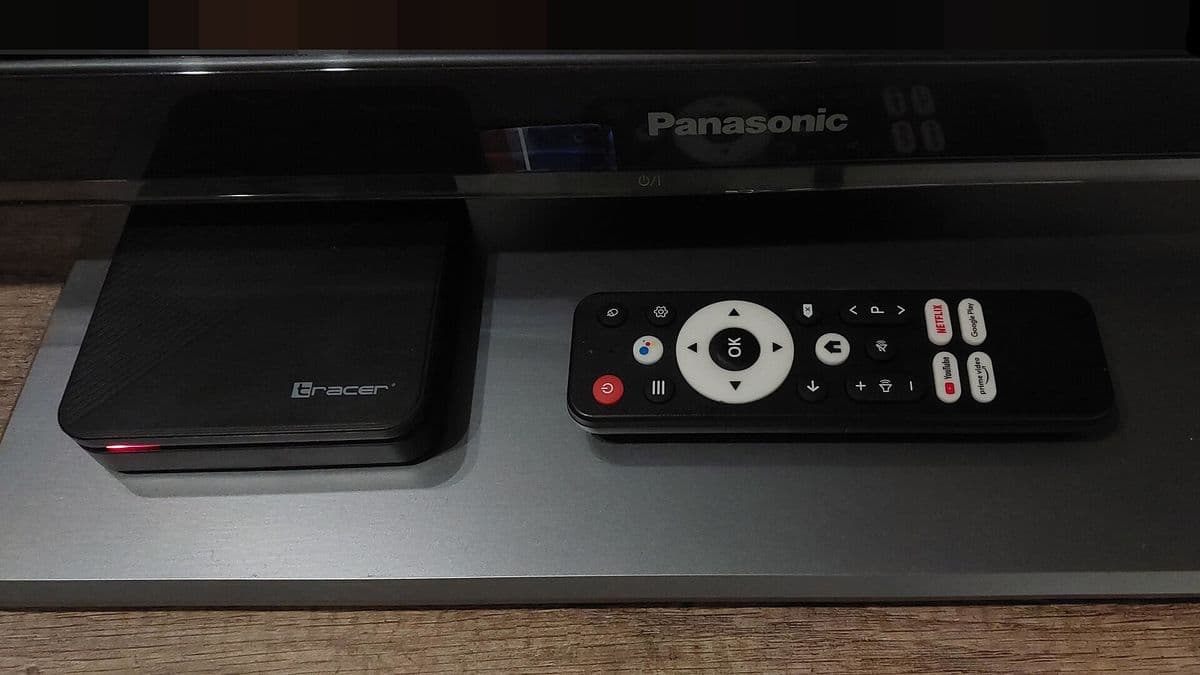
You will use the remote every day, so it matters more than it seems. Look for a remote with dedicated channel up and down buttons or a responsive directional pad, since many IPTV player apps rely on these for quick zapping. Voice search is handy for finding apps and films, though most IPTV player apps have their own search inside the app.
Storage
Player apps cache channel logos, programme guide data and artwork. Boxes with very little storage can fill up quickly, causing slowdowns and warning messages. Around 8 GB is workable for a dedicated streaming device, and more gives you room for additional apps.
Avoid "fully loaded" boxes
Some sellers market boxes preloaded with apps that promise free access to paid channels and films. These carry real risks:
- Legal risk. Selling or using devices configured to access unauthorised content has led to enforcement action in several countries.
- Security risk. Preinstalled apps from unknown sources can contain malware or collect data.
- No updates. These boxes are often abandoned by the seller, leaving security holes unpatched.
A better approach is to buy a mainstream device and install apps from official app stores. Read our guide on whether IPTV is legal for more context.
Setting up an IPTV box
- Connect the box to your TV by HDMI and, ideally, to your router by Ethernet.
- Complete the setup wizard and install system updates.
- Install a player app from the official app store.
- Enter the login details from your IPTV provider.
- Let the app load the channel list and programme guide, then test a few channels.
Which IPTV box is right for you?
- Best value and simplicity: a mainstream streaming stick.
- Most flexibility and performance: a well-reviewed Android TV box with Ethernet and HEVC.
- Already in the Apple ecosystem: an Apple TV with a compatible player app; see our IPTV on Apple TV guide.
- Casting from your phone: a Google TV streamer or Chromecast; see Chromecast IPTV.
Using an IPTV box with Monster IPTV
Monster IPTV is used on Amazon Fire TV devices and Android TV boxes, among other devices, through a compatible player app. Support can recommend an app for your box. See our supported devices page for setup notes, then request the free trial to test your box before choosing a plan.
Frequently asked questions
Do I need an IPTV box if I have a smart TV?
Not always. Many smart TVs can run IPTV player apps. A box is useful when your TV's app store lacks a good player, when the TV is slow, or when you want Ethernet and better codec support.
Is an Android TV box better than a Fire TV Stick?
It depends. A good Android TV box often offers more power, Ethernet and wider app choice. A Fire TV Stick is cheaper, compact and simple to set up.
What is a MAG box?
MAG boxes are Linux-based set-top boxes designed around IPTV portals, using a portal address and the box's MAC address rather than a typical player app. Check with your provider before buying one, as support varies.
How much RAM does an IPTV box need?
Around 2 GB is a sensible minimum for smooth navigation with large channel lists and programme guides. More helps with demanding apps.
Can one IPTV box be used on several TVs?
Yes, but only on one TV at a time. Each box streams to the TV it is connected to.
Conclusion
The right IPTV box is a mainstream device with good codec support, a reliable network connection and regular updates. Avoid preloaded boxes, install apps from official stores, and test your setup with a trial before committing to a plan.