Many viewers wonder whether to use an IPTV VPN. A VPN encrypts your internet traffic and routes it through a server elsewhere, which can improve privacy on untrusted networks. But it can also add delay, reduce speed, trigger login blocks and conflict with service terms. Our best VPN for IPTV guide covers choosing a provider. This article explains the practical effects on streaming and how to test them.
A VPN does not make unlicensed content legal, and using a VPN to bypass a service's geographic restrictions may breach its terms.
How a VPN changes your connection
| Effect | Why it happens |
|---|---|
| Extra latency | Traffic travels to the VPN server first |
| Lower throughput | Encryption overhead and server load |
| Different public IP | The service sees the VPN server's address |
| Encrypted traffic | Your internet provider sees less detail |
When a VPN can help
- Public or hotel Wi-Fi: encryption protects against snooping.
- Network management: in some cases, providers manage certain traffic types differently; a VPN can change how your traffic is handled, though results vary.
- General privacy: less visibility of your browsing to the local network.
When a VPN can hurt
- Slower start and buffering: especially with distant or busy VPN servers.
- Login blocks: some services block VPN addresses or flag sudden location changes.
- Geo-restriction conflicts: apps may refuse to play when the VPN location differs from your home country.
- Device limits: location changes can look like extra devices to some services.
Split tunnelling
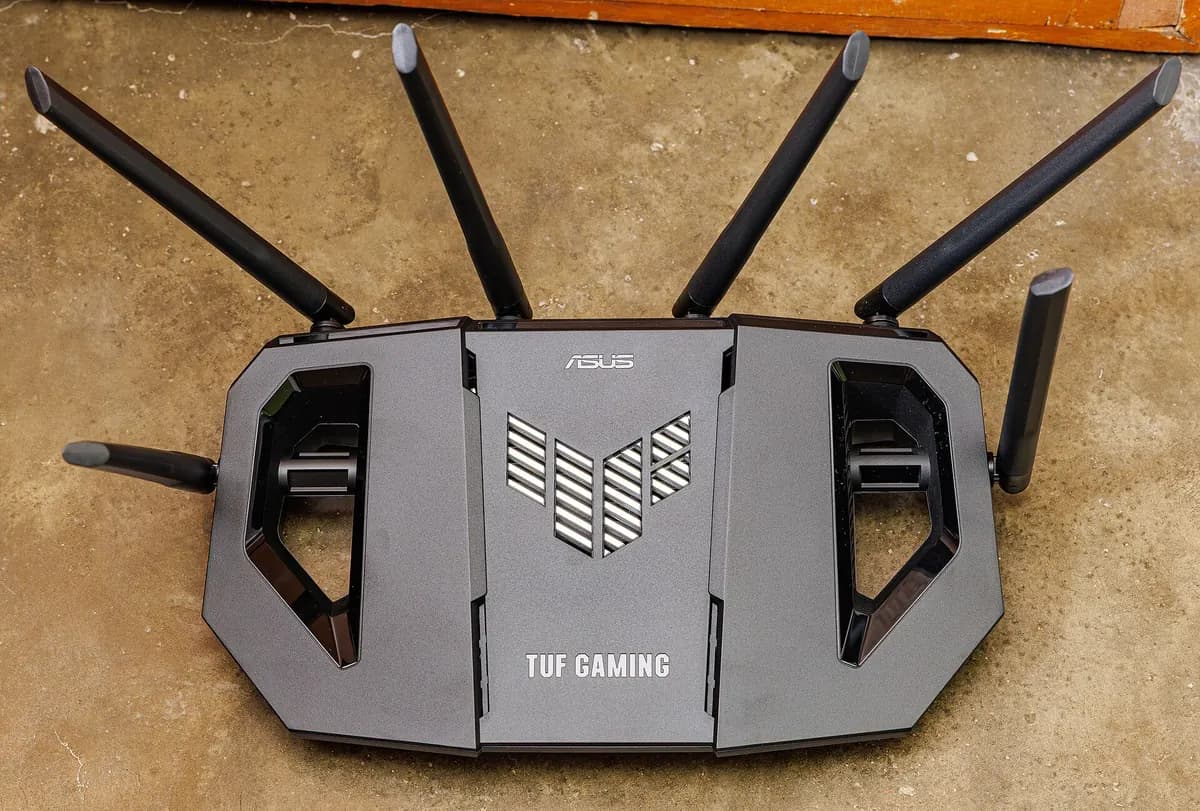
Many VPN apps allow split tunnelling: some apps use the VPN, others go directly. You can exclude your IPTV app from the VPN while keeping other traffic private, or the reverse. Router-level VPNs are harder to split; device-level apps are more flexible.
Testing the impact
- Run a speed test and note latency with the VPN off.
- Repeat with the VPN on, using a nearby server.
- Play the same channel both ways at peak time.
- Note start time, buffering and picture quality.
- Keep whichever setup performs better and fits your service's terms.
Our IPTV line test guide explains latency and jitter measurements.
Router versus device VPNs
| Setup | Pros | Cons |
|---|---|---|
| Router VPN | Covers all devices | Harder to exclude apps; may slow everything |
| Device app | Flexible, split tunnelling | Must be installed per device |
VPNs on streaming devices
Not every streaming device supports VPN apps. Android TV and Fire TV devices often do; some smart TVs do not. Apple TV supports some VPN apps on recent software versions. If your device lacks a VPN app, a router-level VPN is an alternative, but it affects every device on the network.
Choosing a server
For streaming at home, choose a server close to you to keep latency low. Distant servers add delay and often reduce speed. If your service requires a home-country IP address, a VPN server elsewhere may block playback.
Security without a VPN
For most home viewers, good security comes from simpler steps: a strong Wi-Fi password, updated router firmware, apps from official stores and unique passwords for each service. A VPN is one tool among many, not a requirement for safe streaming.
When to turn the VPN off
If you see login errors, buffering or "content not available" messages, test with the VPN off. If the problem disappears, adjust split tunnelling or server choice rather than blaming the service.
Common mistakes
- Choosing a distant VPN server for streaming at home.
- Blaming the service for VPN-caused login errors.
- Assuming a VPN fixes Wi-Fi problems.
- Using a VPN to bypass service terms.
A worked example
A viewer's IPTV login fails every evening. Testing shows it works with the VPN off. Their service blocks VPN addresses, so they enable split tunnelling to exclude the IPTV app while keeping the VPN for browsing. Logins and playback return to normal.
Checklist
- Know why you want a VPN.
- Test with and without it.
- Use nearby servers.
- Consider split tunnelling.
- Respect service terms.
Key terms
- VPN: a service that encrypts and routes your traffic.
- Split tunnelling: choosing which apps use the VPN.
- Latency: delay for data to travel.
Monster IPTV
If you use a VPN and see login or playback problems, test without it first and tell support what you found. See the contact page.
Mobile and travel
On phones, VPNs drain battery slightly faster and can slow mobile data. When travelling, remember that many services restrict content by country under their licences; a VPN does not change those terms. Use the service's official travel options where available, such as temporary portability within the EU or EEA.
Privacy basics without a VPN
Many privacy benefits come from simple habits: use HTTPS websites, keep apps updated, avoid public Wi-Fi for sensitive tasks and never share your IPTV login. For most home viewing, these steps matter more than a VPN.
Choosing whether to keep using a VPN
After testing, decide based on results. If streams are smooth and logins work with your VPN and the setup fits the service's terms, keep it. If performance drops or logins fail, use split tunnelling or turn it off for streaming while keeping it for other tasks.
Keep it simple
Use a VPN when it solves a real problem for you, test its effect on streaming and keep settings that work.
Frequently asked questions
Do I need an IPTV VPN?
Not for most home viewing; it can help on public Wi-Fi or for general privacy.
Will a VPN slow my streams?
It can add delay and reduce speed, especially with distant servers.
Why does my login fail with a VPN?
Some services block VPN addresses or flag location changes.
What is split tunnelling?
A setting that lets some apps bypass the VPN.
Does a VPN make unlicensed content legal?
No. It changes your connection, not the content's legal status.
Summary
An IPTV VPN can protect privacy but may slow streams, trigger blocks or conflict with terms. Test with and without it, use nearby servers, consider split tunnelling and remember that a VPN never changes the legality of content.