An IPTV player is the app that turns your login details into something you can watch. It connects to your provider, loads the channel list and programme guide, and plays the streams. The service supplies the content, but the player decides how quickly channels open, how the guide looks, and whether you get features such as favourites, catch-up and recording.
This guide explains what an IPTV player does, the features worth comparing, and how to choose one for each of your devices.
What an IPTV player does
Every player performs the same core jobs:
- Logs in using the details your provider sends.
- Loads the channel list, usually organised into groups or categories.
- Loads the EPG (electronic programme guide) so you can see what is on.
- Plays streams, decoding the video and managing a buffer.
- Remembers your preferences, such as favourites and the last channel watched.
Players differ in how well they do these things and in what they add on top.
Login types: Xtream Codes and M3U
Most providers supply one of two login formats:
| Login type | What you enter | Advantages |
|---|---|---|
| Xtream Codes API | Server address, username, password | Loads live TV, films, series and EPG together |
| M3U playlist | A single playlist link (and sometimes a separate EPG link) | Works in almost any player |
Most modern players support both. Our guides to Xtream IPTV and M3U IPTV explain each format in detail.
Features worth comparing
Programme guide (EPG)
A good guide shows now-and-next information and a full grid you can scroll. Look for fast loading, accurate times and the ability to refresh the guide manually.
Favourites and groups
Large channel lists are hard to browse. Favourites, custom groups and the ability to hide categories you never use make a huge difference day to day.
Catch-up and time-shift
Some players let you rewind or replay recent programmes if your provider supports catch-up for that channel. The feature needs support from both the service and the player.
Recording
A few players can record streams to local or network storage. Check whether recording is included or part of a paid upgrade.
Buffer and decoder settings
Advanced players let you adjust buffer size and choose between hardware and software decoding. Increasing the buffer can help on unstable connections, at the cost of slightly slower channel changes.
Multi-view
Some players can show several channels at once, which is handy for sport. It also uses more bandwidth and, usually, more connections from your plan.
Remote-friendly design
On a TV, the player must be easy to use with a remote. Channel up and down buttons, quick access to the guide and clear menus matter more than visual polish.
Choosing an IPTV player for each device
| Device | Common player choices | Notes |
|---|---|---|
| Android TV / Google TV | TiviMate, IPTV Smarters Pro | Widest choice; TiviMate is a TV-only app |
| Fire TV | IPTV Smarters Pro, TiviMate | Check availability for your model |
| Apple TV and iPhone | GSE Smart IPTV and other App Store players | App Store only |
| Samsung and LG TVs | Apps from each TV's store | Availability varies by model and region |
| Windows and Mac | Desktop players, VLC, Kodi | See our guide to IPTV players for Windows |
Our dedicated guides to the TiviMate IPTV player and IPTV Smarters Pro go into detail on the two most popular options.
Free versus paid players
Many players are free with optional upgrades, while others charge a one-time fee or subscription. Paying makes sense when the upgrade adds features you will actually use, such as recording, multiple playlists or a better guide. Remember that a player is not a content service: buying a player does not include any channels.
Choosing your IPTV player: a quick method
- List the devices you will watch on.
- Check which players are available for each one.
- Confirm each player supports your provider's login type and the EPG.
- Try one or two players during a free trial with the same login details.
- Keep the one that feels quickest and clearest with your remote.
Signs it is time to switch players
Sometimes the player, not the service, is the weak link. Consider trying another app if:
- Channels take noticeably longer to open than on another device with the same login.
- The programme guide is often empty or out of sync, even after refreshing.
- The app crashes or freezes regularly despite updates and a cleared cache.
- Navigation with your remote feels slow or awkward.
- A feature you rely on, such as catch-up or favourites, is missing or unreliable.
Because your login details work across players, switching costs little: install the alternative, sign in, and compare side by side.
Using an IPTV player with Monster IPTV
Monster IPTV works with third-party players, and support will recommend one for your device. Login details are sent after activation, in the format your player needs. See our supported devices page or request the free trial to test a player before you choose a plan.
Frequently asked questions
Does an IPTV player include channels?
No. A player is software that plays streams from a service you subscribe to separately. Players do not supply content themselves.
Can I use the same login in different players?
Usually yes, as long as you stay within your plan's limit on simultaneous devices. Many people use one player on the TV and another on a phone.
Why do channels open faster in one IPTV player than another?
Players handle buffering, decoding and stream requests differently. Trying a second player with the same login is a quick way to compare.
Which IPTV player has the best programme guide?
TV-focused players such as TiviMate are known for traditional guide layouts. The best choice depends on your device and preferences, so test with your own login.
Is VLC a good IPTV player?
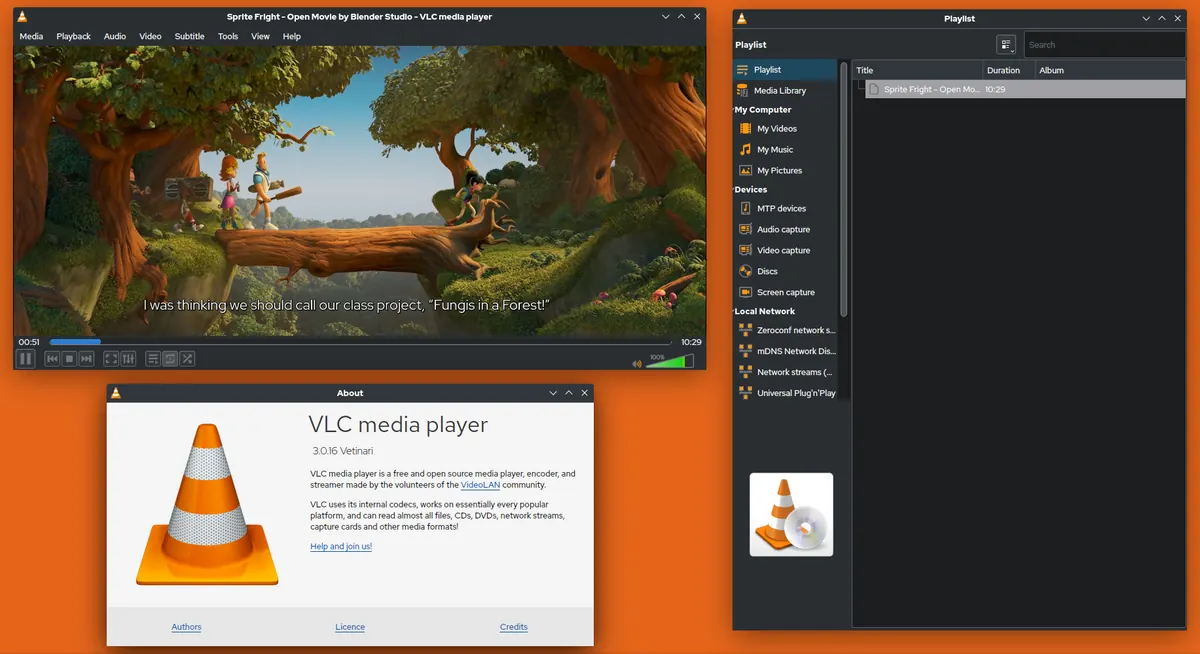
VLC can open M3U playlists and is excellent for testing a stream, but it lacks a full TV guide and remote-friendly design. Dedicated players are better for daily viewing.
Summary
The right IPTV player makes daily viewing faster and easier. Choose one that supports your login type and EPG, works well with your remote, and offers the features you will use. Test with your own login before settling on it.