Searching for an IPTV player list usually means you want an overview: which players exist for your device and what each is known for. This list groups commonly mentioned players by platform and describes them in general terms. It is not a ranking, and Monster IPTV is not affiliated with any developer. Availability, features and pricing change, so always check official store listings.
For guidance on choosing between them, see our best IPTV player guide.
Android TV and Google TV
| Player | Commonly known for |
|---|---|
| TiviMate | TV-style grid guide designed for remotes |
| IPTV Smarters | Xtream and M3U support, separate live, film and series sections |
| Kodi with PVR IPTV Simple Client | Full media centre with live TV add-on |
| VLC | Free general media player, good for testing |
| Perfect Player | Lightweight TV-style interface |
Amazon Fire TV
Many Android TV players are also available in the Amazon Appstore, including IPTV Smarters, TiviMate (in some regions), Kodi and VLC. Availability varies by region; check the store on your device.
Apple TV, iPhone and iPad
| Player | Commonly known for |
|---|---|
| GSE Smart IPTV | Long-running player across Apple devices |
| IPTV Smarters | Apple editions with Xtream support |
| VLC | Free playback of links and files |
| Other App Store players | Various interfaces; check reviews |
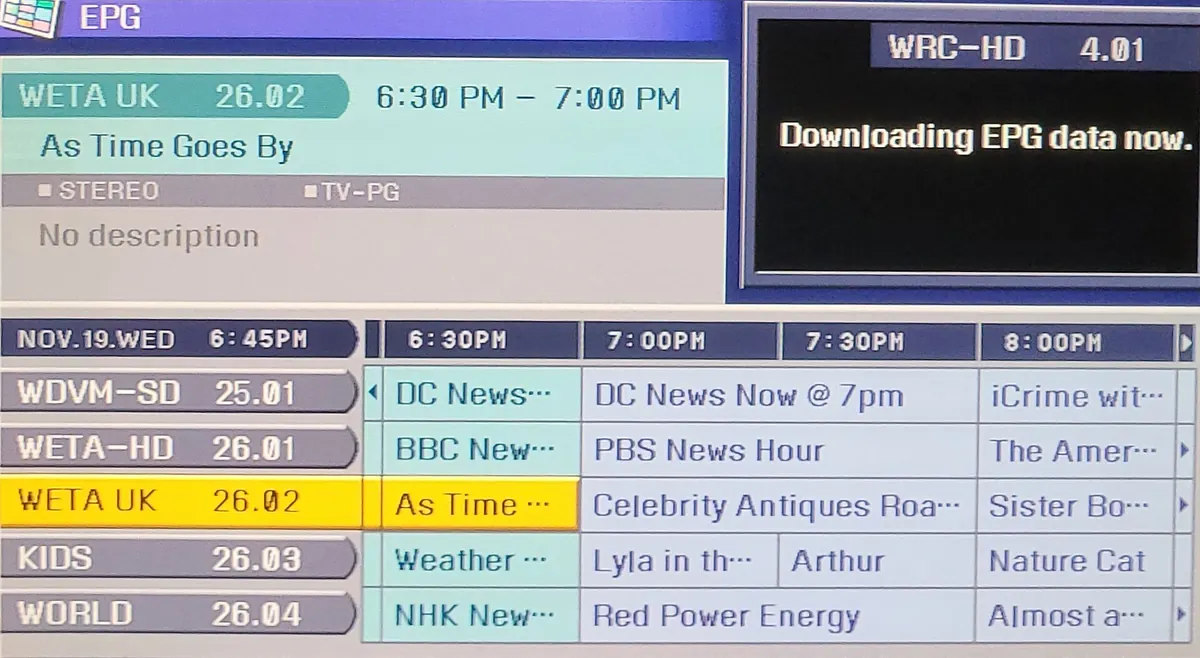
Samsung and LG smart TVs
Smart TV stores list players such as Smart IPTV (SIPTV), SS IPTV and other web-upload players that link playlists through a website. Our comparison of upload-style TV players explains how they differ.
Windows and Mac
| Player | Commonly known for |
|---|---|
| VLC | Free, opens M3U links and files |
| Kodi | Media centre with live TV add-on |
| Desktop IPTV players | Guides and Xtream login on computers |
| Official desktop editions | Where developers offer them |
Android phones
Phone players include IPTV Smarters, GSE Smart IPTV and VLC, among others. Phones are handy for testing playlists before using them on a TV.
How to shortlist from this list
- Pick the platform you watch on most.
- Choose two players listed for that platform.
- Check they support your login type (Xtream or M3U).
- Test both with your playlist for an evening.
- Keep the one with the clearer guide and smoother playback.
Safety
- Install from official stores only.
- Verify developer names; lookalikes are common.
- Avoid players advertising built-in free channels.
- Check permissions after installing.
Our guide to app IPTV privacy and security explains more.
Free versus paid
Many players offer free editions with limits or adverts, and paid editions with extra features. Try the free edition first and pay only through official stores.
Players for specific needs
| Need | What to look for |
|---|---|
| Large playlists on a stick | Lightweight players that load categories on demand |
| TV-style guide | Players with a grid EPG designed for remotes |
| Several services | Players supporting multiple playlists or profiles |
| Families | Parental PINs and profiles |
| Testing links | VLC on a computer |
| Media library plus live TV | Kodi with a PVR client |
Updates and longevity
Players come and go. Some are updated regularly; others stop receiving updates and eventually break after operating system changes. When choosing from this IPTV player list, check each app's last update date and whether the developer publishes release notes. An actively maintained player is a safer long-term choice.
Moving between players
Your login or playlist link works in any compatible player, so switching is easy. Note your details and favourites before trying a new app, and remove the old one afterwards to keep your device tidy.
Accessibility
Some players offer larger text, high-contrast themes and subtitle settings. If anyone in your household relies on these, test them during your shortlist comparison.
Common mistakes
- Treating a player list as a ranking.
- Installing several similar players and confusing them.
- Using phone-first players on TVs with a remote.
- Downloading players from unofficial sites.
A worked example
A viewer with a Fire TV and an iPhone uses this IPTV player list to shortlist two players for the Fire TV and one for the iPhone. They test the Fire TV players with their Xtream login during a match, keep the one with the better guide and use the iPhone player for viewing on the go.
Checklist
- Identify your main platform.
- Shortlist two players.
- Confirm login support.
- Test with your playlist.
- Install only from official stores.
Key terms
- Xtream login: server URL, username and password.
- M3U: a playlist format.
- Web-upload player: a TV app whose playlist is added through a website.
Using players with Monster IPTV
Monster IPTV works with many players in this list. Support can suggest one for your device; see the supported devices page.
A note on regional availability
Not every player is available in every country's app store. If a player from this list does not appear on your device, it may be restricted in your region or not built for your platform. Choose another listed option rather than installing an unofficial copy from a website. Regional availability can also change over time, so check again later if a favourite player disappears.
Asking for recommendations
When asking friends or forums for advice, mention your device, login type and what matters most to you, such as a grid guide or simple layout. Specific questions get more useful answers than "which IPTV player is best?".
Keep it simple
One reliable player per device is usually enough. Remove extras you no longer use.
Frequently asked questions
Is this IPTV player list a ranking?
No. It groups commonly used players by platform; test them yourself.
Which players work on Fire TV?
Many Android TV players are available in the Amazon Appstore, depending on region.
What about Samsung and LG TVs?
Their stores list players such as Smart IPTV and SS IPTV, often using web upload.
Are these players free?
Many have free editions; some charge for activation or extra features.
Will installing a player from this list give me channels?
No. You add a login or playlist from your service.
Summary
This IPTV player list groups common players by platform. Use it to shortlist two options for your device, confirm login support, test with your playlist and install only from official stores.