The IPTV equipment you need depends entirely on what you are trying to do. Watching a subscription on one TV needs very little; distributing channels to a hundred hotel rooms needs a full headend. Mixing up the two leads to buying too much or too little.
This guide gives practical equipment lists for five common setups, explains what each item does and highlights what to check before buying.
Setup 1: one TV at home
| Item | Purpose | What to check |
|---|---|---|
| Smart TV or streaming device | Runs the player app | App availability, HEVC support |
| Player app | Plays your subscription | Supports Xtream or M3U, has an EPG |
| Router | Connects to the internet | Placement, Wi-Fi standard |
| Ethernet cable or adapter | Stable connection | Length and rating |
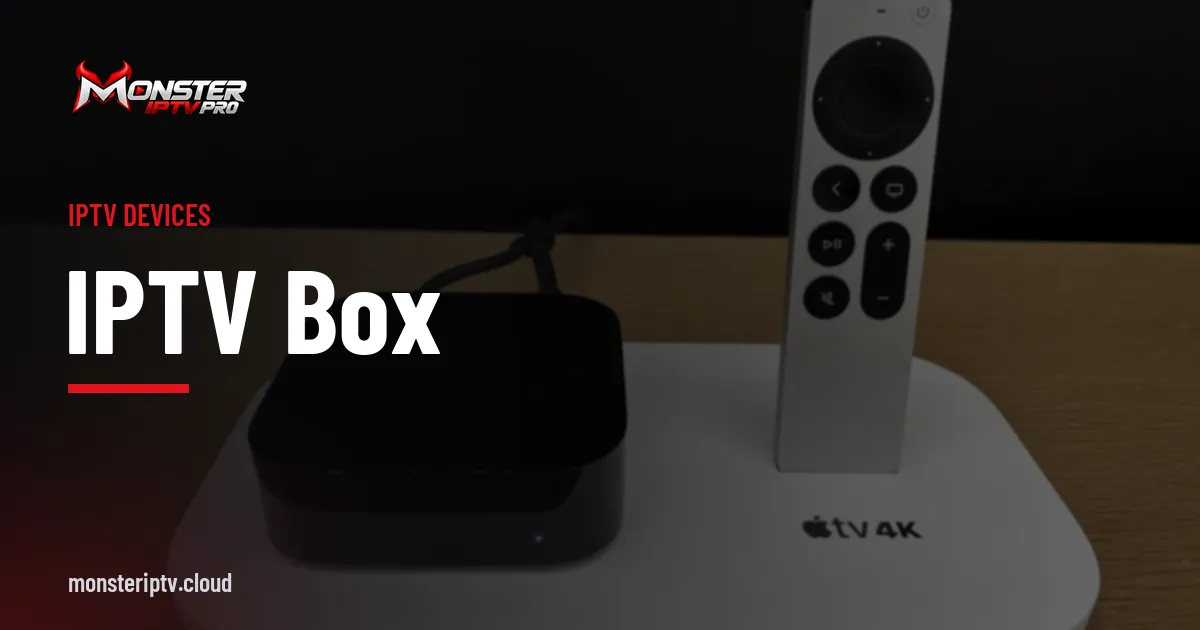
That is usually all you need. Our IPTV box guide helps you choose a streaming device.
Setup 2: a multi-room home
| Item | Purpose |
|---|---|
| Streaming device per TV | Consistent apps on every screen |
| Mesh Wi-Fi or wired network | Coverage in every room |
| Network switch | Extra Ethernet ports where needed |
| Plan with enough simultaneous devices | Every TV can watch at once |
Count simultaneous screens at your busiest moment when choosing a plan.
Setup 3: small venue, such as a bar or café
| Item | Purpose |
|---|---|
| Commercial TV service or receivers | Licensed channels for public display |
| Displays with streaming devices or decoders | Screens around the venue |
| Audio system and zones | Sound where it is wanted |
| Managed switch | Reliable network for several screens |
| Optional encoder | Show your own camera or presentation feeds |
Public venues usually need commercial licences; see our guide to IPTV suppliers for businesses.
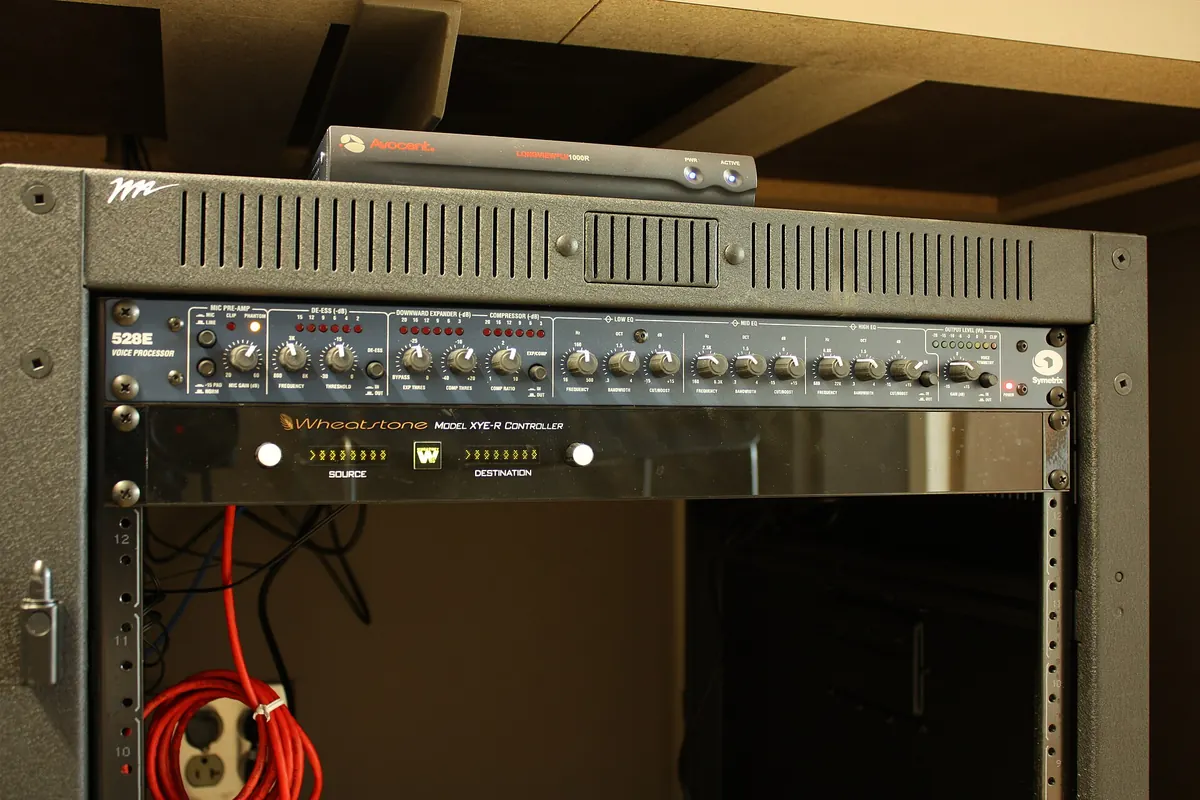
Setup 4: office or campus
| Item | Purpose |
|---|---|
| Encoders | Turn presentations and cameras into streams |
| Decoders or signage players | Show streams on screens |
| Switches with IGMP snooping | Efficient multicast distribution |
| VLANs | Separate video from other traffic |
| Management software | Central control and monitoring |
Setup 5: hotel or care home
| Item | Purpose |
|---|---|
| Headend | Gathers and processes channels |
| Satellite/terrestrial receivers or IP feeds | Channel sources |
| Encoders and transcoders | Local channels and format conversion |
| Middleware | Channel lists, menus, room management |
| Set-top boxes or hospitality TVs | Screens in rooms |
| Network infrastructure | Multicast across the building |
| Monitoring and spares | Fast recovery from faults |
Our IPTV headend guide explains these components in depth.
Cables and small items people forget
- Certified HDMI cables rated for your resolution.
- Good-quality Ethernet patch cables.
- Power supplies, surge protection and, for critical systems, a UPS.
- Mounting brackets, cable ties and labels.
Common mistakes
- Buying professional encoders for a home that only needs a streaming stick.
- Using consumer gear for always-on commercial screens.
- Forgetting network capacity and multicast configuration.
- Ignoring licensing for public display.
Budgeting
For home setups, the main costs are a streaming device and possibly networking upgrades. For venues, offices and hotels, include installation, licences, support contracts and spares, not just hardware.
A worked example
A family moving into a larger house wants IPTV on three TVs. Their equipment list: two streaming sticks for TVs without good apps, a mesh Wi-Fi system with an Ethernet port near the main TV, and a 3-device plan. They test all three screens during a trial before committing.
Checklist
- Identify your setup type.
- Use the matching equipment list.
- Check app, codec and network requirements.
- Confirm licensing for any public display.
- Budget for the whole system, not just devices.
Key terms
- Decoder: turns streams into video for a display.
- Middleware: manages channel lists and menus in larger systems.
- IGMP snooping: a switch feature for efficient multicast.
Monster IPTV and home equipment
Monster IPTV is used on Fire TV, Android TV, Samsung and LG smart TVs, phones and computers. See the supported devices page for setup notes.
Upgrading an existing setup
Before buying new IPTV equipment, check what you already have. A TV with a weak app store can be fixed with a streaming stick; buffering in a back bedroom may need a mesh Wi-Fi node rather than a faster broadband plan; an old router without modern Wi-Fi may be the bottleneck for every screen. Targeted upgrades often cost far less than replacing everything.
Choosing between consumer and professional gear
Consumer devices are cheap, flexible and app-rich, ideal for homes. Professional encoders, decoders and headends are built for continuous operation, central management and many screens. For a small venue with a few screens, a careful mix can work, but anything that must run reliably every day for many viewers usually justifies professional equipment.
Future-proofing
Choose devices that receive software updates, decode modern codecs such as HEVC and AV1, and connect by Ethernet. For businesses, choose systems that can grow in channels and screens without replacing core components.
Testing before full rollout
Whatever the setup, test one complete chain first: source, network, device and screen. For a home, that means a trial on the main TV; for a venue or hotel, a pilot in one area. Fix problems at small scale before buying in volume.
Keeping spares
For any setup where downtime matters, keep a spare streaming device, power supply and network cable. In venues and hotels, a configured spare decoder or set-top box can restore a screen in minutes.
Frequently asked questions
What IPTV equipment do I need at home?
A smart TV or streaming device, a player app and a stable internet connection, ideally with Ethernet for the main TV.
Do I need an encoder to watch IPTV?
No. Encoders create streams; viewers only need a device and app.
What extra equipment does a hotel need?
A headend, sources, middleware, set-top boxes or hospitality TVs, network infrastructure and monitoring.
Can a bar use home IPTV equipment?
The hardware may work, but public venues generally need commercial licences for the content shown.
Is a mesh Wi-Fi system worth it?
In larger homes with several TVs, often yes, because it improves coverage and stability.
Summary
IPTV equipment ranges from a single streaming stick to a full hotel headend. Identify your setup, use the matching list, check apps, codecs and networking, confirm licensing for public display and budget for the whole system.