A free IPTV player can be all you need. Open-source players such as VLC and Kodi, free editions of popular IPTV apps and players built into some devices let you watch your subscription or public playlists without paying for the app. The trade-offs are adverts, missing features or more setup work. Knowing those trade-offs helps you decide whether to stay free or upgrade.
Monster IPTV is not affiliated with any player developer. A free player never includes channels; you add a login or playlist from your service.
Types of free players
| Type | Examples | Typical trade-offs |
|---|---|---|
| Open-source players | VLC, Kodi | No adverts; setup can be more technical |
| Free editions | Free tiers of IPTV players | Adverts or feature limits |
| Built-in players | Media players on some TVs and boxes | Basic features |
| Free web players | Browser-based tools | Privacy and format limits |
What free players usually do well
- Play M3U playlists and, in many IPTV apps, Xtream logins.
- Show channel lists and basic groups.
- Offer favourites and search.
- Support common formats and hardware decoding.
What you may miss
- Advert-free viewing in free editions.
- Advanced grid guides.
- Multiple playlists or profiles.
- Recording and catch-up features.
- Developer support.
Choosing a free player by device
| Device | Free options to consider |
|---|---|
| Computers | VLC, Kodi |
| Android TV / Fire TV | Kodi, free editions of IPTV players, VLC |
| Phones | Free editions of IPTV players, VLC |
| Apple TV | VLC and free tiers of App Store players |
| Smart TVs | Trials of web-upload players, built-in media players |
Our IPTV player list groups common players by platform.
When a paid upgrade makes sense
- You watch daily on a TV and adverts bother you.
- You need a grid guide, multiple playlists or recording.
- You want support from the developer.
Upgrade only through official stores.
Avoiding risky "free" players
- Players promising built-in premium channels.
- "Pro unlocked" or cracked APKs.
- Apps requesting unnecessary permissions.
Our guide to app IPTV privacy and security explains the warning signs.
Open-source players in more detail
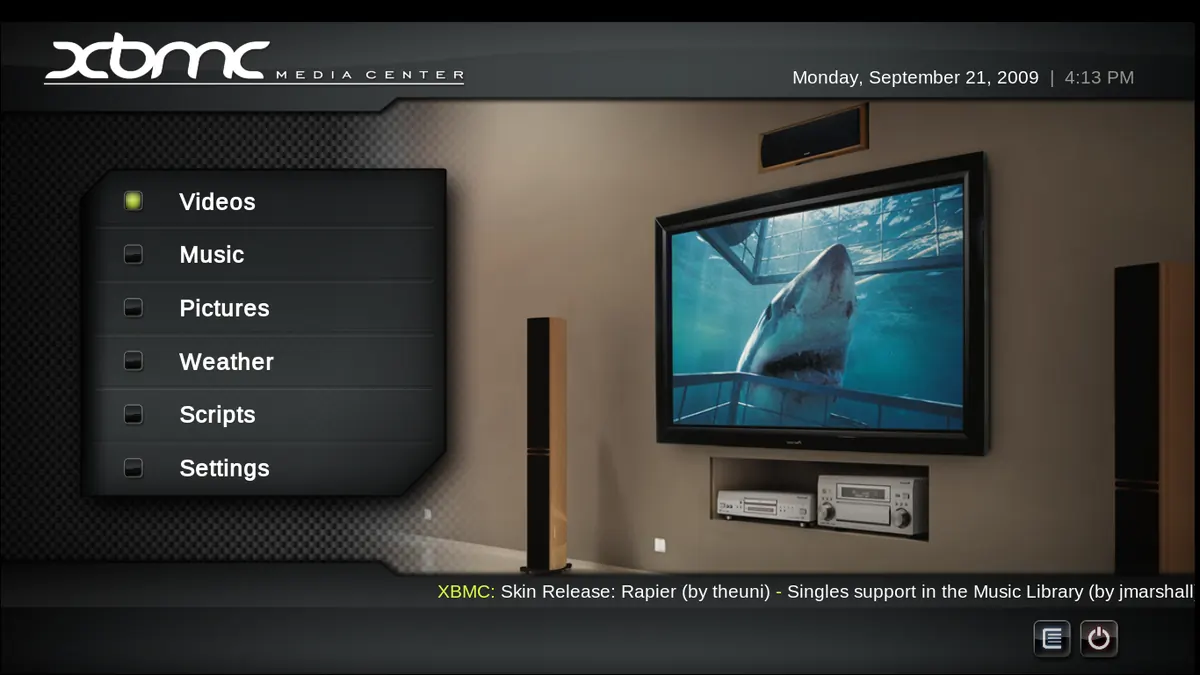
VLC is a general media player that opens almost any stream or playlist. It is ideal for testing links on a computer and for occasional viewing, but it lacks a TV-style guide. Kodi is a full media centre: with the PVR IPTV Simple Client add-on, it shows live channels and a guide on TVs and boxes, alongside your own films and music. Both are free, actively maintained and available on many platforms. They take a little more setup than commercial players, but there are no adverts and no feature tiers.
Free editions of IPTV players
Many IPTV players offer a free edition with adverts, a limit on playlists or restricted features such as recording. For occasional viewing, these limits may not matter. Test the free edition with your login for a week: if the adverts appear only on start-up, you may be happy; if they interrupt channel changes, an upgrade may be worthwhile. Always check what the paid edition adds before buying.
Built-in players on TVs and boxes
Some TVs and set-top boxes include simple media players that can open M3U files from USB drives or network links. They are basic, but useful as a fallback when you cannot install other apps.
Setting expectations
Free players are tools. The quality of what you watch depends on your service, network and device. A free player on a modern streaming stick with Ethernet often outperforms a paid player on an old smart TV over weak Wi-Fi.
Keeping free players safe
Install from official stores, keep apps updated and remove players you no longer use. Free does not mean unsafe, but unofficial "free" versions of paid apps often are.
Common mistakes
- Thinking a free player includes free channels.
- Installing cracked "pro" versions.
- Dismissing open-source players without trying them.
- Paying for upgrades you do not need.
A worked example
A viewer uses VLC on a laptop to test their M3U link, then installs the free edition of an IPTV player on their Fire TV. After a month, adverts during channel changes become annoying, so they buy the upgrade through the Amazon Appstore.
Checklist
- Choose a free player for your device.
- Install from official stores.
- Test with your login or playlist.
- Note missing features.
- Upgrade only if needed.
Key terms
- Open source: software whose code is public and free to use under its licence.
- Free edition: a no-cost version of an app with limits.
- Cracked APK: an illegally modified app.
Using free players with Monster IPTV
Monster IPTV works with many free players, including VLC and Kodi. See the supported devices page.
Testing two free players
Install two free players on the device you use most and load the same playlist or login in both. Compare start times, guide display, how easy favourites are to set up and whether adverts interrupt viewing. Keep the one your household prefers and remove the other to keep the device tidy. If neither satisfies you, that is the moment to consider a paid upgrade.
Accessibility
Check subtitle options, text size and remote navigation. Some free players are excellent on computers but awkward with a TV remote. Choose one that suits the people who will use it every day.
Final thought
Start free, test carefully on your own devices and pay only for the features you will genuinely use every week.
Updates
Keep free players updated through official stores for fixes and new features.
Frequently asked questions
Is there a good free IPTV player?
Yes. VLC, Kodi and free editions of popular IPTV apps work well for many viewers.
Does a free player include channels?
No. You add a login or playlist from your service.
Why do free editions show adverts?
Adverts fund development; paid upgrades usually remove them.
Should I install an unlocked paid version for free?
No. Unlocked or cracked versions may contain malware and stop working.
When should I pay for a player?
When you need features or ad-free viewing for daily use.
Summary
A free IPTV player often covers everyday needs. Choose from open-source players, free editions or built-in players, install from official stores, avoid cracked versions and upgrade only when a paid feature truly helps.