There is no single best encoder for IPTV. The right choice depends on how many channels you need, what your sources output, which receivers will play the streams, where those streams are going and how much you can spend. A single-channel HDMI box can be perfect for one classroom, while a hotel may need a rack-mount unit encoding many channels at once.
This buying guide turns those variables into a checklist, explains how features change as budgets rise, and lists the questions to ask before you buy. We deliberately avoid naming a single winner; models change frequently, so use the criteria to compare current options.
Step 1: define your requirements
Answer these questions first:
- How many sources need encoding at the same time?
- What inputs do they use: HDMI, SDI or older analogue?
- What resolution and frame rate: 1080p, 4K, 50 or 60 frames per second?
- Where are the streams going: local TVs, online platforms, or both?
- What receivers will play them, and which codecs do they support?
- How critical is latency for live or interactive content?
- Where will it live: on a desk, in a cabinet or in a 19-inch rack?
Step 2: match features to your answers
| Requirement | Feature to look for |
|---|---|
| Many sources | Multi-channel units, such as 4-channel or larger |
| Consumer sources | HDMI inputs; see our HDMI IPTV encoder guide |
| Professional sources or long cables | SDI inputs; see our SDI IPTV encoder guide |
| Ultra HD | HDMI 2.0 or 12G-SDI and HEVC Main10; see our 4K IPTV encoder guide |
| Local TV distribution | UDP or RTP multicast output |
| Online platforms | RTMP or SRT output |
| Browser playback | HLS output or a compatible media server |
| Live events | Low-latency modes |
| Permanent installations | Rack mounting, redundant power, remote management |
How features change as budgets rise
Budget ranges vary by brand and region, but the pattern is consistent:
- Entry-level encoders are usually compact single-channel HDMI boxes with H.264, RTMP and basic multicast. They suit classrooms, small venues and occasional streaming.
- Mid-range encoders typically add H.265, more protocols such as SRT and HLS, better audio options, lower latency and more robust management. Some offer two or four channels.
- Professional encoders usually add SDI inputs, 4K and HDR, many channels in a 1U rack chassis, redundant power, advanced monitoring and integration with middleware and headend systems.
Spending more makes sense when the extra features solve a real problem in your installation, not simply because they exist.
Rack-mount versus desktop
Desktop or compact encoders are easy to place next to a source and often support PoE. They are ideal for one or two channels.
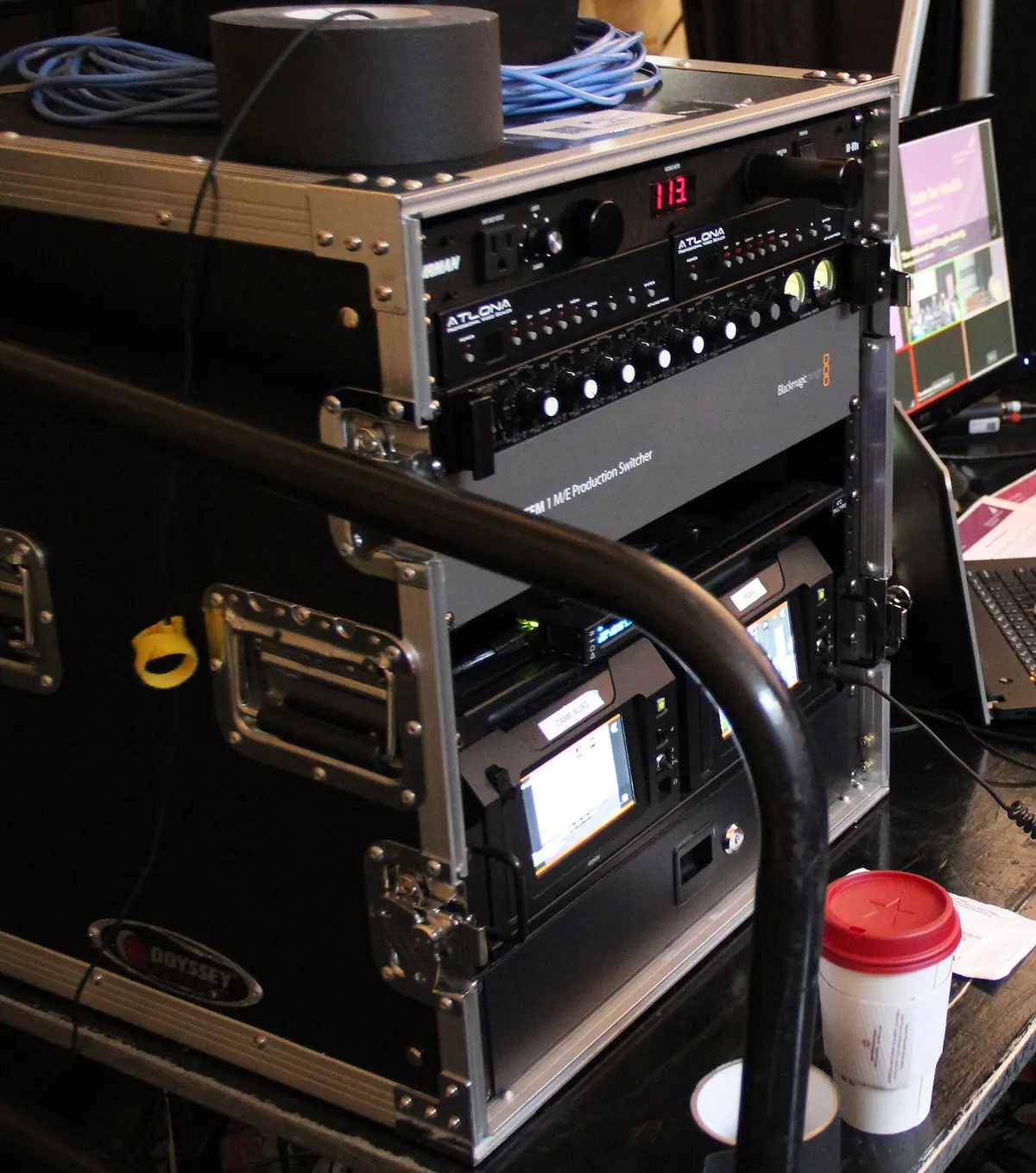
Rack-mount encoders consolidate many channels in a 1U or 2U chassis, with tidy cabling, front-panel status and often dual power supplies. They are the usual choice for hotels, hospitals, stadiums and broadcast facilities where encoders sit in an equipment room alongside the rest of the IPTV headend.
Comparing encoders for professional use
When comparing shortlisted models side by side, test or ask the vendor about:
- Picture quality at the bitrate you plan to use, with your own content.
- Measured latency from input to receiver.
- Stability over long periods, including after power cuts.
- Management: web interface, API or SNMP, firmware update history.
- Interoperability with your receivers and middleware.
- Support and warranty, including replacement times.
- Licensing, since some features are unlocked with paid licences.
Hardware versus software
A computer with a capture card and software such as OBS Studio or FFmpeg can be the best encoder for IPTV when budgets are tight or needs are occasional. Dedicated hardware is usually better for always-on systems because it is purpose-built, uses less power and is easier to manage remotely. Our IPTV encoder guide compares the two approaches.
Example scenarios
- A single lecture hall streaming a presenter's laptop and one camera to an online platform: a compact two-channel HDMI encoder with RTMP or SRT is usually enough.
- A mid-size hotel adding a welcome channel and an event camera to its TV system: two HDMI inputs with multicast output, integrated with the existing headend and middleware.
- A stadium distributing several live feeds to hundreds of screens: multi-channel SDI encoders in a rack, with low latency, redundancy and central monitoring.
- A broadcaster creating IP versions of 4K channels: 12G-SDI inputs, HEVC Main10, HDR support and professional management.
Common buying mistakes
- Choosing H.265 when receivers only support H.264. Check every receiver first.
- Ignoring HDCP. Compliant encoders will not capture copy-protected HDMI sources.
- Underestimating network load. Several high-bitrate streams can overwhelm switches and uplinks.
- Skipping multicast planning. Without IGMP snooping, multicast can flood the network.
- Buying for features you will not use instead of for reliability and support.
A quick decision checklist
- Count simultaneous sources and choose single- or multi-channel.
- Match inputs to sources: HDMI or SDI.
- Choose H.264 for compatibility or HEVC for efficiency and 4K.
- Confirm the protocols for each destination.
- Check latency, audio and management needs.
- Pick a form factor and power option.
- Shortlist, test with real content, then buy.
Frequently asked questions
What is the best encoder for IPTV in a hotel?
Usually a multi-channel rack-mount encoder with multicast output and remote management, integrated with the hotel's headend and middleware.
What is the best budget IPTV encoder?
For one or two channels, a compact HDMI encoder with H.264 and multicast or RTMP is often enough. A computer with a capture card is another low-cost option.
Should I choose a 4-channel encoder or four single encoders?
A 4-channel unit is tidier, easier to manage and often better value in a rack. Separate encoders give more flexibility when sources are spread across a building.
Is H.265 worth paying extra for?
Yes, if your receivers support it and bandwidth is limited, or if you need 4K. Otherwise, H.264 remains the most compatible choice.
How do I compare picture quality between encoders?
Encode the same content at the same bitrate on each shortlisted model and compare on the screens your viewers will use.
Summary
The best encoder for IPTV is the one that fits your channel count, sources, receivers, destinations and budget. Define requirements first, match features to them, test shortlisted models with real content, and plan your network before installation.