An SDI IPTV encoder takes video from professional equipment over SDI (Serial Digital Interface) and converts it into IP streams. SDI is the standard connection in broadcast studios, outside broadcast trucks, stadiums and many live production setups, because it carries uncompressed video and audio over long coaxial cables with secure locking connectors.
This guide explains SDI standards, why professionals choose SDI over HDMI, what an SDI IPTV encoder does, and what to check before buying.
What SDI is
SDI is a family of standards for sending uncompressed digital video over coaxial cable, usually with BNC connectors that twist and lock into place. Each generation supports higher data rates and resolutions:
| Standard | Data rate | Typical formats |
|---|---|---|
| SD-SDI | 270 Mb/s | Standard definition |
| HD-SDI | 1.485 Gb/s | 720p and 1080i |
| 3G-SDI | 2.97 Gb/s | 1080p at 50 or 60 frames per second |
| 6G-SDI | About 6 Gb/s | 4K at up to 30 frames per second |
| 12G-SDI | About 12 Gb/s | 4K at up to 60 frames per second |
An SDI IPTV encoder must support the SDI standard and format your sources produce.
SDI versus HDMI for IPTV encoding
| Factor | SDI | HDMI |
|---|---|---|
| Cable length | Long runs over coax, often around 100 m for HD and longer with good cable | Short runs without extenders |
| Connector | Locking BNC | Friction-fit, can work loose |
| Audio | Many embedded audio channels | Usually stereo or surround from consumer sources |
| Copy protection | Normally none in production workflows | HDCP on many consumer sources |
| Typical sources | Broadcast cameras, vision mixers, routers | Consumer cameras, PCs, media players |
For permanent installations and professional live production, SDI's reliability and cable length make it the preferred input. For smaller setups with consumer sources, an HDMI IPTV encoder is usually simpler and cheaper.
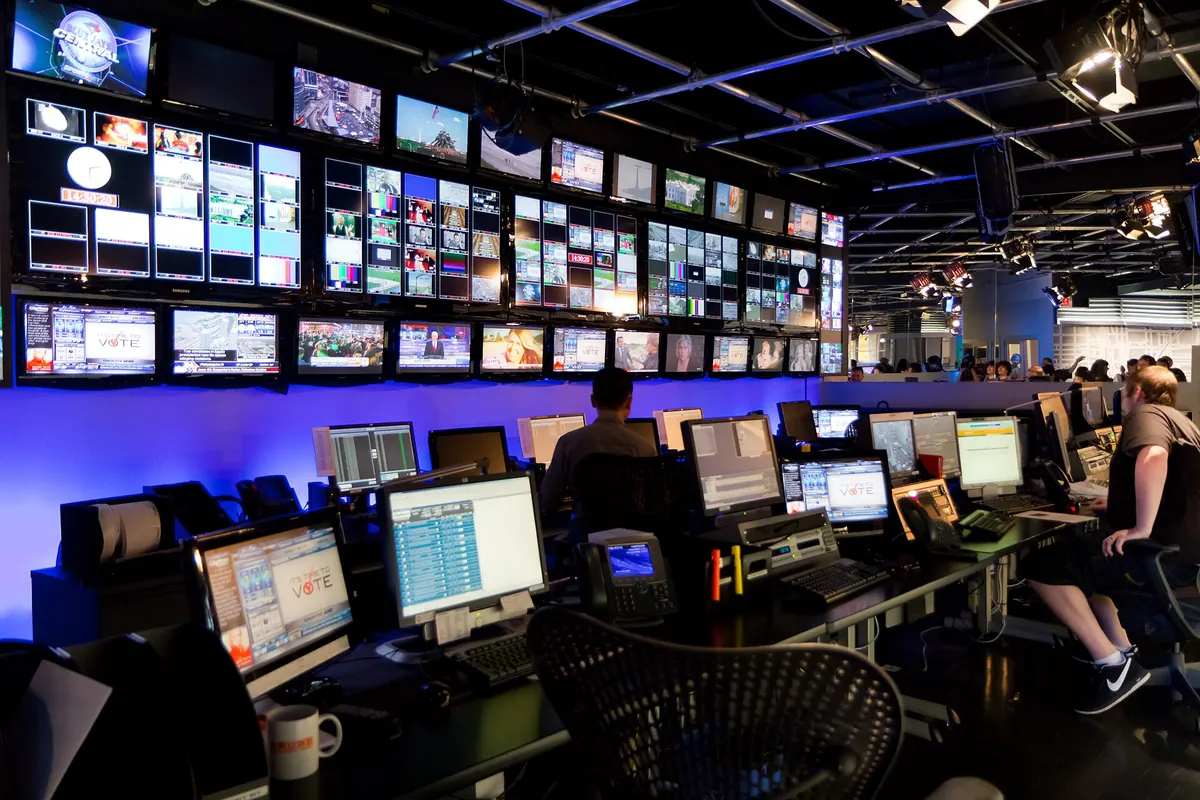
What an SDI IPTV encoder does
- Receives SDI video with embedded audio from a camera, mixer or router.
- Compresses it, typically with H.264 or H.265 (HEVC).
- Selects audio channels from the embedded audio and encodes them, often as AAC.
- Streams the result over IP using multicast, RTMP, SRT, HLS or other protocols.
Many models also offer an SDI loop-out, so the signal can continue to a monitor or another device.
Features to check
- SDI standards supported: HD-SDI and 3G-SDI at minimum for HD; 12G-SDI for single-cable 4K.
- Channel count: single-channel units or multi-channel rack-mount models.
- Audio handling: how many embedded channels can be selected, mixed and encoded.
- Codecs: H.264 for compatibility, HEVC for efficiency and 4K.
- Protocols: multicast for local distribution, SRT or RTMP for remote delivery.
- Latency: low-latency modes for live events and returns.
- Timecode and captions: support for passing through ancillary data where needed.
- Redundancy: dual power supplies and dual network ports in critical systems.
- Management: web interface, SNMP or API for monitoring and remote control.
Typical SDI IPTV encoder uses
- Stadiums and arenas distributing camera feeds to screens around the venue.
- Broadcast facilities creating IP versions of SDI channels for monitoring or distribution.
- Houses of worship and event venues with professional camera systems.
- Corporate and education studios sending productions to internal TV systems.
- Remote production, sending feeds back to a central facility over SRT.
In building-wide systems, SDI encoders usually sit in the equipment room as part of the IPTV headend.
SDI IPTV encoder in a live production workflow
In a typical live production, cameras feed a vision mixer over SDI, and the mixer's programme output goes to an SDI distribution amplifier or router. One output feeds the SDI IPTV encoder, which sends multicast streams to screens around the venue and an SRT or RTMP stream to an online platform. Another output may go to a recorder for archive. Because SDI signals can be split and routed without loss, the encoder can be added without disturbing the rest of the production chain.
This approach also makes redundancy straightforward: a second encoder can take the same SDI feed from another router output, ready to take over if the first fails. For critical events, many teams run both encoders at once and switch at the receiver or platform side if needed.
Choosing between single and multi-channel SDI encoders
If you only need to stream one programme output, a compact single-channel encoder placed near the mixer is simple and cost-effective. Venues that distribute several feeds, such as different camera angles, a replay channel and a presentation channel, usually benefit from a multi-channel rack-mount unit in the equipment room, where cabling, power and monitoring are already centralised.
Planning tips
- Confirm the source format exactly, including frame rate and interlaced or progressive scanning.
- Use the right cable. Higher SDI standards need cable rated for the data rate and length.
- Plan audio mapping before installation, especially with multi-language or multi-channel audio.
- Plan bandwidth and multicast on the network, with IGMP snooping on switches.
- Test with VLC or your receivers before going live; our guide on how to convert HDMI to IPTV covers testing steps that apply to SDI as well.
Content rights
SDI is common in professional workflows where content is owned or licensed by the organisation. Even so, redistributing broadcast or subscription channels across a building or online usually requires licences from the rights holders.
Frequently asked questions
What does an SDI IPTV encoder do?
It converts uncompressed SDI video and embedded audio from professional equipment into compressed IP streams for TVs, players and online platforms.
Which SDI standard do I need?
HD-SDI or 3G-SDI covers most HD workflows. 12G-SDI is needed to carry 4K at 60 frames per second over a single cable.
Can an SDI IPTV encoder handle multiple audio languages?
Many can select or map several embedded audio channels. Check how many audio tracks the encoder can output in its streams.
Is SDI better than HDMI for encoding?
For long cable runs, locking connections and professional sources, yes. For short runs and consumer sources, HDMI is simpler and cheaper.
Do SDI encoders support 4K?
Models with 12G-SDI or quad-link 3G-SDI inputs do. Pair them with HEVC encoding for practical 4K bitrates.
Summary
An SDI IPTV encoder bridges professional video equipment and IP networks. Match the encoder to your SDI standard and formats, plan audio and bandwidth carefully, choose the right codec and protocols, and test thoroughly before going live.