Finding the best 4 channel IPTV encoder starts with a simpler question: does a four-input unit suit your project better than separate single-channel boxes or a larger rack system? Four-channel encoders are popular for small hotels, schools, churches, sports clubs and offices, because they handle several sources in one managed device without the cost and complexity of a full headend.
This guide explains when four channels make sense, the features that separate good units from average ones, and how to compare and test models.
When a 4-channel encoder makes sense
| Situation | Why four inputs fit |
|---|---|
| Two to four sources in one equipment room | One device, one management interface |
| Growth from one to a few channels | Room to expand without new hardware |
| Limited rack space | Several channels in a compact chassis |
| Consistent settings across channels | Easier to standardise |
If your sources are spread across a building with no central room, separate single-channel boxes near each source may be simpler.
Features that matter on a 4-channel unit
Per-channel independence
The best 4 channel IPTV encoder lets you set resolution, bitrate, codec, audio and output for each input independently. Shared settings across all channels limit flexibility.
Simultaneous outputs per channel
Check whether each channel can output multicast and an online protocol such as RTMP or SRT at the same time, and whether doing so reduces maximum bitrate or resolution.
Input types
HDMI suits cameras, PCs and media players; SDI suits professional equipment and long cable runs. Some units mix both.
Codecs and resolution
H.264 for compatibility, HEVC for efficiency, and 1080p60 support on every channel at once. Check whether 4K is supported and how many channels can run it simultaneously.
Resilience
A single unit carrying four channels is a single point of failure. Look for dual power supplies, good cooling and fast recovery after power loss.
Management
Clear web interface, configuration backup, remote monitoring and firmware updates matter more as channel counts grow.
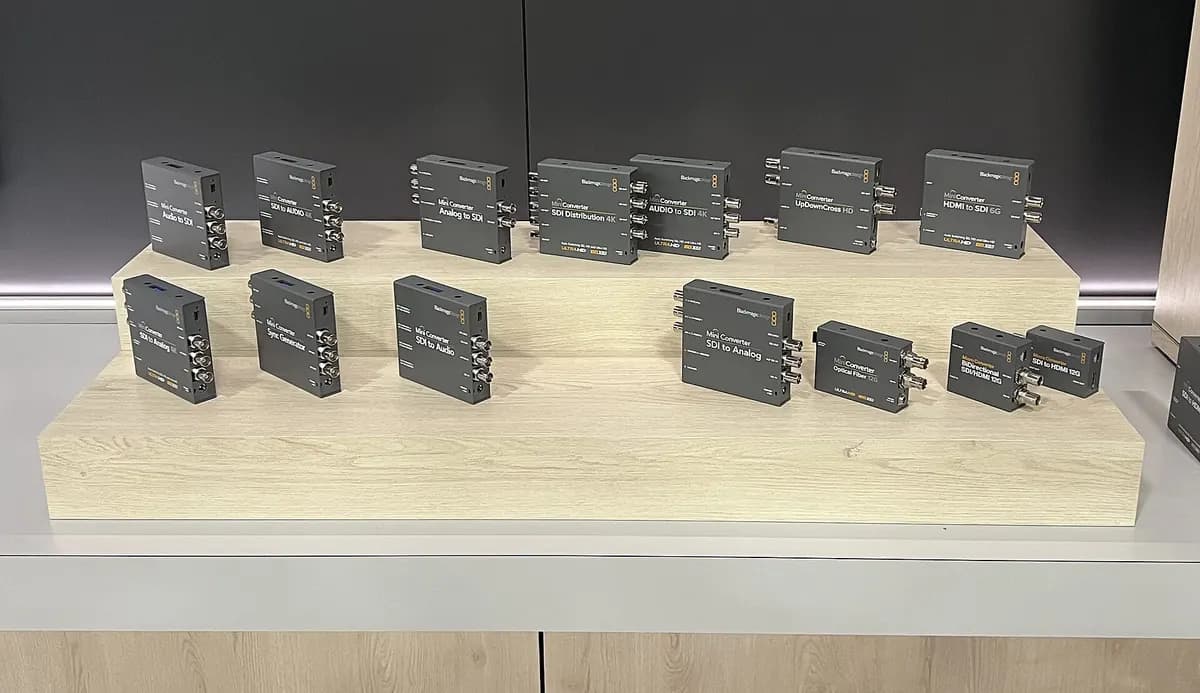
Rack-mount or desktop
| Form | Best for |
|---|---|
| 1U rack-mount | Equipment rooms with other rack gear |
| Desktop box | Small rooms, cabinets, AV desks |
Rack-mount units usually offer better cooling and front-panel status lights; desktop units are quieter and easier to place.
Comparing models fairly
Use a weighted scorecard: picture quality, per-channel flexibility, simultaneous outputs, resilience, management, support and total cost. Our guide to the best HDMI to IPTV encoder explains the scoring method.
Testing before you buy
- Run all four channels at your planned settings simultaneously.
- Check for any drop in quality or stability under full load.
- Measure latency on each channel.
- Pull the power and check how quickly the unit recovers.
- Run a multi-day stability test.
Network planning
Four HD channels add up. Calculate total bitrate, assign each channel its own multicast address and port, and enable IGMP snooping on switches. Our guide on how to convert HDMI to IPTV covers multicast setup.
Common mistakes
- Assuming four channels can all run 4K or maximum bitrate at once.
- Ignoring the single-point-of-failure risk.
- Forgetting audio requirements per channel.
- Choosing by price without testing under full load.
A worked example
A sports club wants to stream two pitches, a clubhouse camera and a presentation PC to screens and online. A 4-channel HDMI encoder in the clubhouse rack handles all four, with multicast to clubhouse screens and RTMP for two channels online. Testing at full load reveals that one model reduces bitrate when outputs are combined; the club chooses another that keeps quality stable.
Checklist
- Confirm four channels in one location is the right fit.
- Prioritise per-channel independence.
- Check simultaneous outputs and resolution limits.
- Plan resilience for a single point of failure.
- Test under full load before buying.
Key terms
- Per-channel settings: independent configuration for each input.
- Single point of failure: one component whose failure stops several services.
- Full load: all channels running at planned settings simultaneously.
Mixing content types on one unit
Four channels rarely carry identical content. A camera feed of a sports pitch needs a higher bitrate than a slide presentation, and a welcome channel may only need 720p. Per-channel settings let you give each input exactly what it needs, keeping total bandwidth sensible. Check that changing one channel's settings does not interrupt the others, which matters during live events.
Audio per channel
Each input may need its own audio handling: embedded HDMI audio for a laptop, an analogue feed from a mixing desk for a church service, or muted audio for signage. Confirm that the encoder supports these combinations and allows lip-sync adjustment per channel.
Growth beyond four channels
If you expect to exceed four channels within a few years, consider whether adding a second identical unit or moving to an 8-channel model makes more sense. Standardising on one model family keeps settings, spares and training consistent.
Monitoring all four channels
Use thumbnail previews or monitoring tools to see all four outputs at a glance, so a frozen or black channel is noticed immediately.
Documentation
Record each channel's input, settings and output address in a channel map.
Frequently asked questions
What is the best 4 channel IPTV encoder?
The one that offers independent settings per channel, the outputs you need, stable performance under full load, good management and support within your budget.
Is a 4-channel encoder cheaper than four single encoders?
Often per channel, and it saves space and management effort, but it concentrates risk in one unit.
Can all four channels run 1080p60 at once?
Many units can, but check the datasheet and test under full load.
Should I choose HDMI or SDI inputs?
HDMI for short runs and consumer sources; SDI for professional equipment and longer cables.
How do I protect against the unit failing?
Use dual power, good cooling, a spare unit or backup encoder, and configuration backups.
Summary
The best 4 channel IPTV encoder suits projects with several sources in one place. Prioritise per-channel flexibility, simultaneous outputs, resilience and management, plan your network, and test all four channels under full load before buying. For broader options, see our best encoder for IPTV guide.