People search plix iptv for a couple of reasons. Some have seen a service using that name; many are thinking of Plex, a well-known media app, and have misspelled it. Monster IPTV is not affiliated with Plex or any service using a similar name, and we have no independent information about services called plix.
This guide explains what Plex actually offers, how it differs from IPTV subscriptions and how to avoid lookalike names.
What Plex is
Plex is a media platform with two main sides:
| Feature | What it does |
|---|---|
| Personal media server | Organises and streams your own films, music and photos from a computer or NAS |
| Free ad-supported content | Free films, series and live channels supported by adverts, available in many regions |
| Live TV with a tuner | With compatible hardware, records and streams antenna TV at home in supported setups |
| Apps for many devices | Smart TVs, sticks, phones, consoles and browsers |
Features and availability vary by region and subscription tier; check Plex's official site.
How Plex differs from IPTV subscriptions
| Aspect | Plex | IPTV subscription |
|---|---|---|
| Your own media | Core feature | Not usually |
| Free live channels | Ad-supported channels | Depends on service |
| Premium channels | Not via Plex's free channels | Depends on service licences |
| Login type | Plex account | Xtream or M3U from a provider |
Plex is not a place to load third-party premium channel lists; it is a media and free-channel platform.
Lookalike names
Names that differ by a letter from well-known brands can be used by unrelated sellers. If a "plix" service offers premium channels, check who runs it and whether it holds rights. Our guide to similar-sounding names explains how name confusion works.
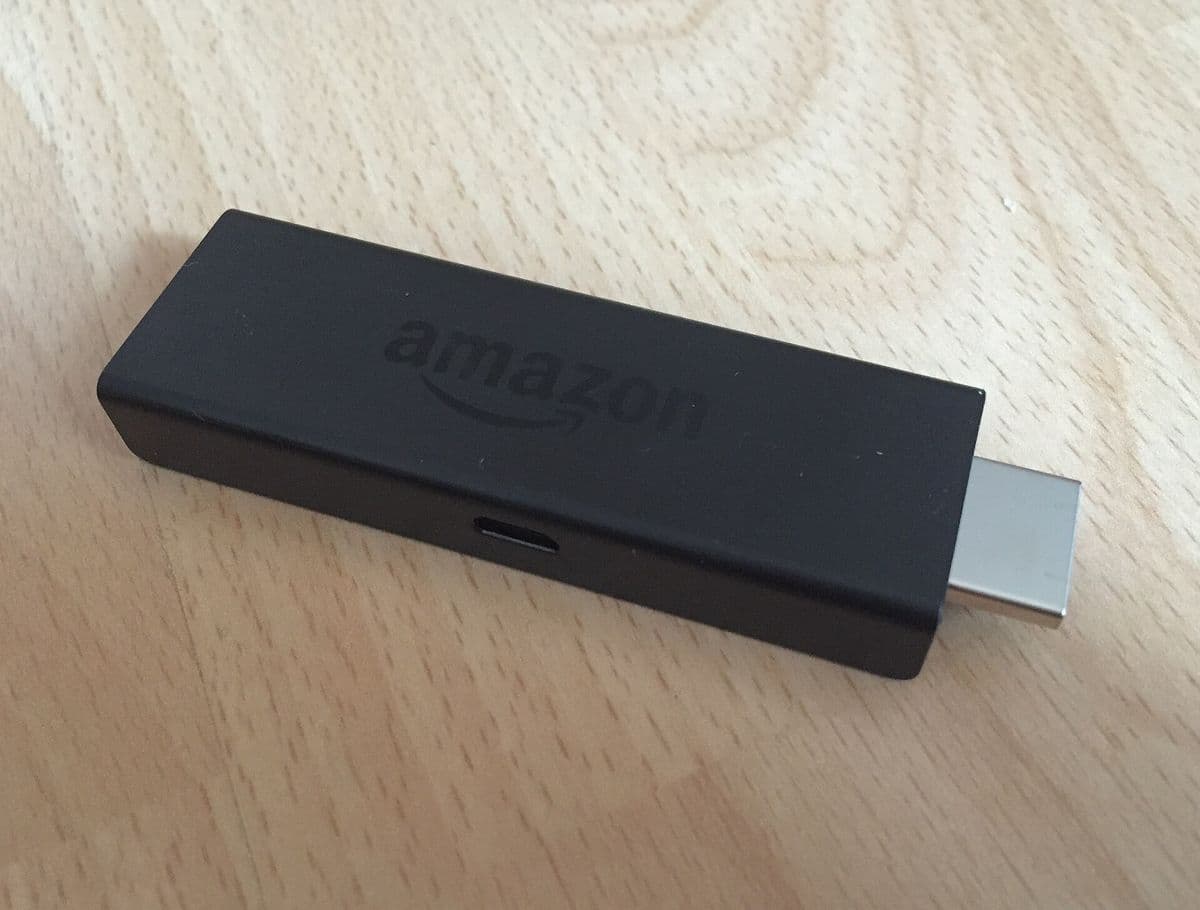
Finding the genuine Plex app
- Search the exact name "Plex" in your device's official store.
- Check the developer name matches Plex's official website.
- Avoid APK downloads from other sites.
- Create an account through the official app or website.
Using Plex alongside IPTV
Many households use Plex for personal media and free channels, and a separate IPTV player for a subscription. They can live side by side on the same streaming device. Pin both to the home screen for quick access.
Setting up a personal media server
If you want Plex for your own media, install the server software on a computer or network storage device, add folders for films, series and music, and let Plex organise them. Then install the Plex app on your TV or streaming stick and sign in with the same account. Your media streams across your home network and, in some setups, remotely.
Free channels and adverts
Free live channels on platforms like Plex are funded by adverts, similar to traditional TV. Channel line-ups vary by country and change over time. They are a legal, no-cost addition to paid services.
When you need an IPTV player instead
If your provider gives you Xtream details or an M3U link, use a dedicated IPTV player rather than a media server app. Our best IPTV player guide explains the options by device.
Common mistakes
- Thinking Plex is an IPTV channel provider.
- Installing lookalike apps from misspelled searches.
- Paying a "plix" seller who implies a Plex connection.
- Expecting premium channels in Plex's free section.
A worked example
A viewer searches plix iptv after a friend mentions "Plex for free TV". They find the official Plex app in their Fire TV's store, verify the developer, create an account and browse free live channels. For their IPTV subscription, they keep a separate player app.
Checklist
- Check whether you mean Plex.
- Install from official stores.
- Verify the developer.
- Treat lookalike sellers with caution.
- Use Plex and IPTV apps side by side if useful.
Key terms
- Media server: software that organises and streams your own media.
- FAST: free ad-supported streaming TV.
- Lookalike name: a name imitating a well-known brand.
Monster IPTV
Monster IPTV is not affiliated with Plex. It works with third-party IPTV players on many devices; see the supported devices page.
Privacy and accounts
Media apps often require an account. Use a strong, unique password, review privacy settings and turn off features you do not need, such as sharing viewing activity. If several people use the same TV, check whether the app supports separate profiles or managed users for children.
Quick recap
Plex is a media platform, not a channel provider; IPTV subscriptions use dedicated players.
Using Plex on several devices
Plex apps run on many platforms, so you can watch personal media on the TV, a phone or a laptop. If you use Plex remotely, check your upload speed and server settings, and keep the server software updated for security. For families, set up managed users with appropriate restrictions for children.
Protecting against lookalike sellers
If someone offers "Plix" or "Plex premium channels" for a fee, check the official Plex website. Plex sells its own subscription options through official channels; third-party sellers implying a connection deserve caution.
Keeping apps tidy
If you installed a lookalike by mistake, uninstall it, check permissions on remaining apps and keep only verified apps on your streaming device. A tidy home screen with Plex and your IPTV player side by side makes everyday viewing simple.
Frequently asked questions
Is plix iptv the same as Plex?
Often it is a misspelling of Plex; other services with similar names are unrelated.
Does Plex offer live TV?
Plex offers free ad-supported live channels in many regions and can work with tuners in supported setups.
Can I add IPTV playlists to Plex?
Plex is not designed as a general IPTV player; use a dedicated player for subscriptions.
Is plix iptv affiliated with Monster IPTV?
No. Monster IPTV has no affiliation with Plex or similar names.
How do I find the real Plex app?
Search the exact name in your official store and verify the developer.
Summary
plix iptv searches often mean Plex, a media server and free-channel platform, not an IPTV channel provider. Install the genuine app from official stores, treat lookalike sellers with caution and use a separate player for IPTV subscriptions.