Searches for ITV Smarters usually come from one of two mix-ups. Some people want to watch ITV, the UK broadcaster, and have heard of "Smarters". Others are looking for IPTV Smarters, a popular third-party player, and missed the letters "P" and "T". These are very different things. Monster IPTV is not affiliated with ITV or with the Smarters developer.
This guide explains the difference and which one you need. For more on misspelled app names, see IPTV Smarter.
Two different things
| ITV | IPTV Smarters | |
|---|---|---|
| What it is | A UK broadcaster | A third-party player app |
| Content | ITV's own channels and programmes | None; plays content from a service you subscribe to |
| Official app | ITV's own streaming app | Smarters apps from the developer |
| Where it works | Mainly in the UK | Many countries |
| Cost | Free with ads, paid tier available | App may be free or paid; content comes separately |
If you want to watch ITV
ITV's official streaming app offers ITV's channels live and a catalogue of on-demand programmes, free with adverts, with an optional paid tier. It is available on many smart TVs, streaming sticks, consoles, phones and computers. Things to know:
- The service is designed for viewers in the UK.
- Watching live TV in the UK generally requires a TV Licence.
- Download the app from your device's official store.
- You don't need IPTV Smarters to watch ITV.
See our IPTV UK guide for more on UK TV and the TV Licence.
If you want IPTV Smarters
IPTV Smarters is a player that shows channels from a service you subscribe to, using login details such as Xtream Codes or an M3U link. It has no channels of its own. Our guide to the Smarters app family explains the versions and how to choose.
Can IPTV Smarters show ITV?
Only if the service you use in Smarters legitimately includes ITV's channels. Some UK operators and licensed services carry ITV in their packages. Sellers offering every UK channel for a tiny price rarely hold the rights. This is general information, not legal advice; see is IPTV legal?.
How to tell which app you have
- ITV app: ITV branding, ITV programmes, sign-in with an ITV account.
- IPTV Smarters: asks for a playlist or server login, shows whatever your service provides.
If an app called "ITV Smarters" asks for payment for channels or comes from a download link, be cautious; neither ITV nor the Smarters developer distributes apps that way.
Lookalike apps
App stores sometimes contain apps with names that combine popular brands. Check:
- The developer name.
- The number of downloads and recent reviews.
- Screenshots and description.
- Permissions requested.
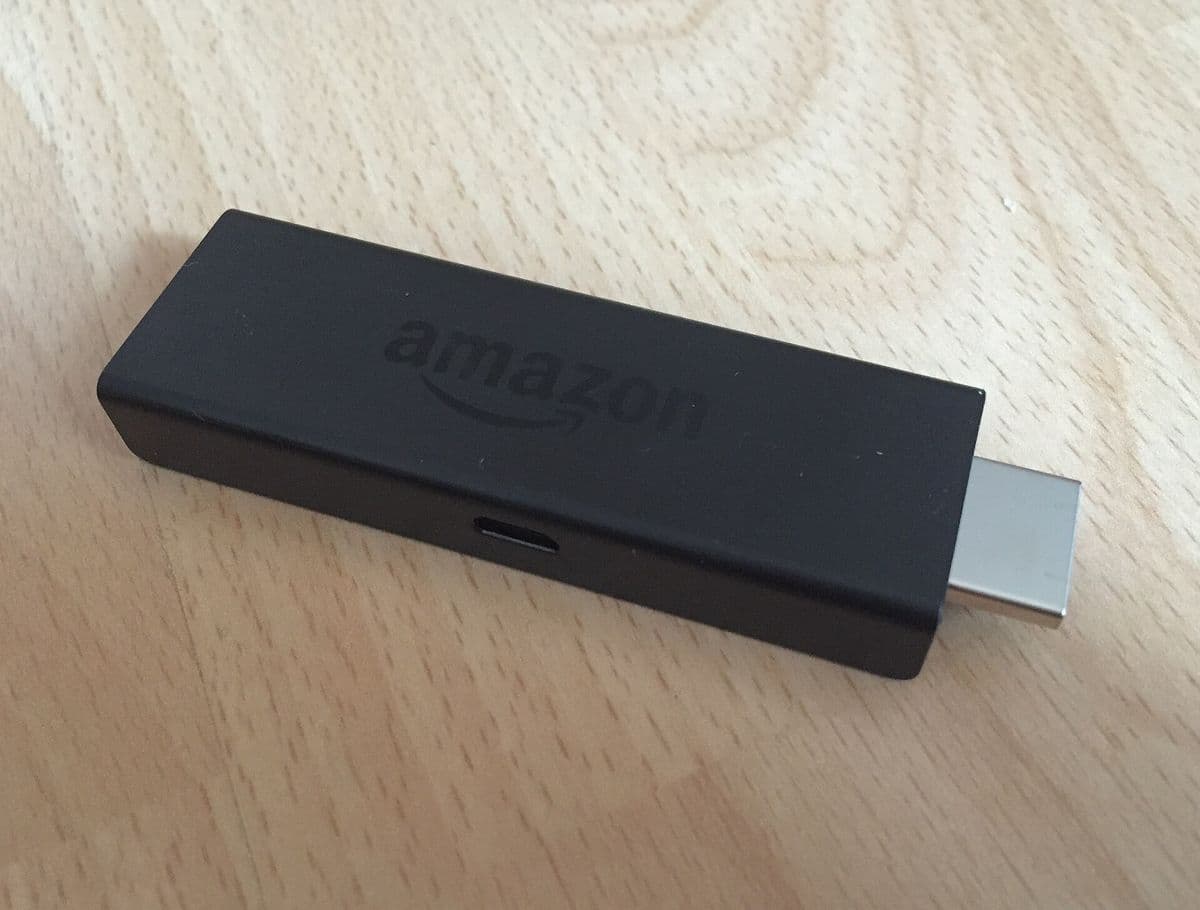
Setting up on a Fire TV
- For ITV: search the Amazon Appstore for the official ITV app.
- For a player: search for the Smarters app from its official developer.
- Connect by Ethernet for live TV.
Other UK broadcasters work the same way
The same confusion happens with other UK broadcasters. Each major UK broadcaster has its own official streaming app with live channels and on-demand programmes, available on common devices. You don't need a third-party player for any of them. If you want several broadcasters on one screen, a streaming device that shows all the apps on its home screen is usually the simplest solution.
When a player makes sense
A player such as IPTV Smarters makes sense when your TV service provides login details for third-party apps rather than its own app. Some operators and independent services work this way. In that case the player shows the service's channel list, guide and categories, and you can choose the player that suits your device best.
Questions to ask yourself
- Which channels or programmes do I actually want?
- Does the broadcaster have its own app on my device?
- Has my TV service given me an Xtream Codes or M3U login?
- Am I in the UK, and do I need a TV Licence for live viewing?
If the answer to question 2 is yes and question 3 is no, you need the broadcaster's app, not a player.
Common mistakes
- Installing a player when you only want ITV.
- Expecting IPTV Smarters to include channels.
- Downloading lookalike apps.
- Forgetting TV Licence rules for live viewing in the UK.
A worked example
A grandparent asks for "ITV Smarters" to watch a favourite soap. Their grandchild realises they need ITV's official app, installs it from the TV's store, signs them in and confirms the household has a TV Licence. No player or extra subscription is needed.
Checklist
- Decide whether you want ITV content or a player.
- Install official apps only.
- Check the developer name.
- Remember TV Licence rules in the UK.
- Avoid lookalike apps.
Key terms
- Broadcaster: a company that produces and airs TV channels.
- Player: an app that plays content from another service.
- Lookalike app: an app imitating a known brand.
About Monster IPTV
Monster IPTV works with third-party players such as IPTV Smarters and does not guarantee UK channels. See supported devices.
Getting help
If you're unsure which app you have, open it and look for the developer name in the app's About section or the store listing. Ask someone you trust before paying for anything inside an unfamiliar app.
Frequently asked questions
Is ITV Smarters a real app?
The phrase usually mixes up ITV's official app and the IPTV Smarters player.
Do I need IPTV Smarters to watch ITV?
No. Use ITV's official app.
Does IPTV Smarters include ITV channels?
No. It only plays content from the service you subscribe to.
Do I need a TV Licence to watch ITV live?
In the UK, watching live TV on any service generally requires a TV Licence.
How do I spot a lookalike app?
Check the developer, downloads, reviews and permissions.
Summary
ITV Smarters is usually a mix-up. For ITV content, use ITV's official app; for a player, install IPTV Smarters from its official developer and use it with a service that has the rights to its channels.