An IPTV testline is a short trial login, often valid for a few hours to a day or two, that lets you try a service before paying. The term is common among sellers and resellers. A testline is genuinely useful if you plan how to use it, because the time is short. It can also be a sales tool, so knowing what to expect helps you judge both the service and the seller.
This guide explains how testlines usually work, what to test, warning signs and how to request one safely. For a longer trial approach, see our free trial guide.
How testlines usually work
| Aspect | Typical arrangement |
|---|---|
| Length | A few hours to a couple of days |
| Format | Xtream login or M3U link, sometimes with guide link |
| Devices | Usually one connection |
| Content | Often the same as the paid service, sometimes limited |
| Cost | Free from transparent sellers |
Plan before you request
Because testlines are short, prepare first:
- Install a compatible player from your device's official store.
- Choose a time when you can watch, ideally evening, with a live event.
- List the channels and features you care about.
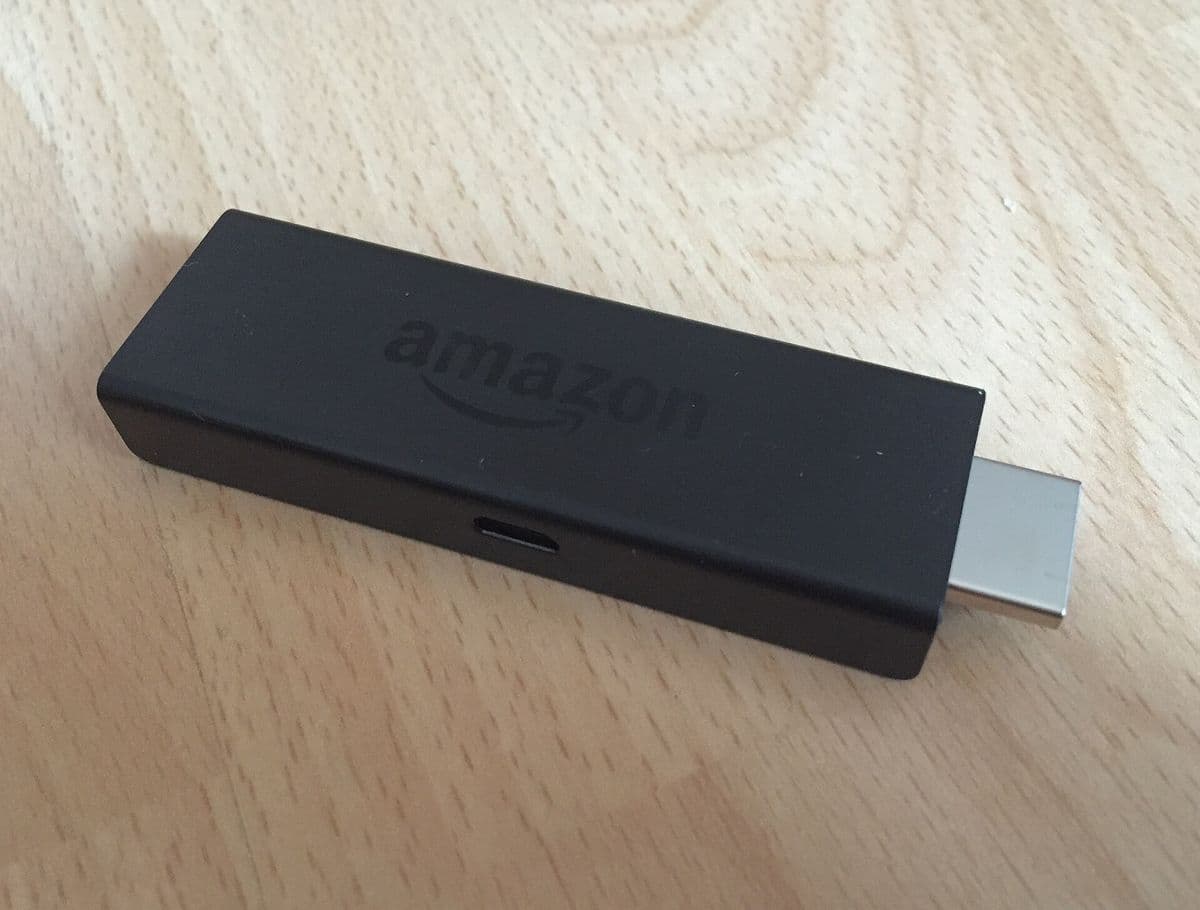
- Connect the main device by Ethernet.
What to test in a few hours
- Login and loading: does the playlist load quickly?
- Your key channels: do they play smoothly?
- Live sport: does it hold up at peak time?
- Guide: does it load and match the channels?
- Films and series: if offered, do they start reliably?
- Support: send one question and note the reply time.
Our IPTV test toolkit shows how to separate service problems from home network problems.
Reading the results fairly
A testline gives a snapshot. A single smooth evening is encouraging but not proof; a stuttering evening on a wired connection is a stronger signal. If results are mixed, ask whether a longer trial or a one-month plan is available before committing.
Warning signs
- Paid testlines: charging for a short test is unusual and a warning sign.
- Pressure after the test: pushing long plans immediately.
- Different quality after paying: some sellers reportedly offer better test streams than paid ones; a one-month plan limits this risk.
- No operator details: you cannot tell who runs the service.
- Requests for irreversible payment.
Requesting a testline safely
- Use the contact method on the seller's official website.
- Do not share personal details beyond what is needed.
- Do not install apps the seller sends as direct download links.
- Keep your conversation in writing.
After the testline
If the test went well, start with a short plan rather than a year. If it went badly, thank the seller and move on. Our guide to measuring an IPTV streaming service explains how to continue testing during the first paid month.
Legal note
Services offering premium channels far below official prices may not hold the necessary rights, whatever their testline looks like. Our article is IPTV legal? gives general information, not legal advice.
Making the most of a short window
Treat the testline like a checklist. In the first ten minutes, confirm the login works and the guide loads. In the next hour, sample your key channels and try films or series. Save the most demanding test, live sport at peak time, for the evening. Note results as you go so you do not rely on memory when deciding.
Testing on more than one device
Testlines usually allow one connection, so test devices one after another rather than together. If your main viewing is on a TV, prioritise that; a phone test can come later during a paid month.
Common mistakes
- Requesting a testline at a time you cannot watch.
- Testing only on Wi-Fi far from the router.
- Paying for a year after a single good evening.
- Paying for a testline.
A worked example
A viewer requests an IPTV testline for Saturday evening, installs a player in advance and connects their stick by Ethernet. During a match, the stream stays smooth, the guide loads and support replies within an hour. They buy a one-month plan and keep monitoring before considering a longer one.
Checklist
- Prepare player and device first.
- Request the testline for a useful time.
- Test key channels, live sport and guide.
- Watch for warning signs.
- Start with a short plan.
Key terms
- Testline: a short trial login.
- Xtream login: server URL, username and password.
- Peak time: the busiest viewing period, usually evenings.
About Monster IPTV
Monster IPTV offers a free trial before you buy, with plans from one month. See pricing or contact support to request a trial.
Questions to ask after the test
Before paying, ask the seller about plan lengths, device limits, renewal terms, refunds and how support works after purchase. Compare the answers with what you saw during the IPTV testline. If the answers are vague or the seller pressures you into a long plan, treat that as part of the test result. A transparent seller will answer clearly and let you start with a short plan.
Keeping your notes
Write down the date, device, connection type, channels tested and any problems. If you later compare two services, these notes make the decision objective.
One more tip
Ask for the testline on the day you can watch, not days ahead, so it does not expire unused.
Frequently asked questions
What is an IPTV testline?
A short trial login that lets you try a service before paying.
How long does a testline last?
Usually a few hours to a couple of days.
Should I pay for a testline?
Paid testlines are unusual and a warning sign.
What should I test?
Your key channels, live sport at peak time, the guide and support response.
What should I buy after a good test?
A short plan first, then a longer one once you are confident.
Summary
An IPTV testline is a short trial login. Prepare before requesting it, test key channels and live sport at peak time, watch for warning signs such as paid tests and pressure, and start with a short plan afterwards.