An IPTV streamer is not only someone who watches channels. Schools, churches, clubs and small organisations increasingly run their own channel: a weekly service, school assemblies, club matches or a lobby information loop. With modest equipment you can capture video, encode it, deliver it over your network or the internet and let people watch in a player or browser.
This guide covers the building blocks and a safe, legal setup for your own content. For encoder choices, see our guide to recommending an HDMI encoder for IPTV.
The building blocks
| Block | Options |
|---|---|
| Capture | Camera, laptop screen, presentation, media player |
| Encoding | Software such as OBS Studio, or a hardware encoder |
| Delivery | HLS via a streaming server or platform; multicast on a local network |
| Viewing | Browsers, phones, smart TVs, IPTV players |
Option 1: online audience with a platform
- Capture with a camera or capture card.
- Encode in OBS Studio or a hardware encoder.
- Send via RTMP or SRT to a streaming platform.
- Share the platform's viewing link.
This is the simplest route for public audiences.
Option 2: your own HLS server
Some organisations run their own streaming server that receives the encoder's feed and publishes an HLS address. That address can be added to a website player or listed in an M3U playlist for IPTV players. This gives more control but needs technical upkeep and security.
Option 3: local network multicast
For screens inside one building, a hardware encoder can send multicast to IP receivers or compatible TVs. Our multicast IPTV encoder guide explains network setup.
Encoding settings to start with
| Setting | Starting point |
|---|---|
| Resolution | 1080p for cameras; 720p if upload is limited |
| Frame rate | Match the camera, often 25/30 or 50/60 |
| Codec | H.264 for broad compatibility |
| Video bitrate | Roughly 4–6 Mbps for 1080p talking and stage content |
| Keyframe interval | About 2 seconds for platforms |
| Audio | AAC, 128–192 kbps |
Our video encoder for IPTV settings guide explains these in depth.
Upload bandwidth and connection
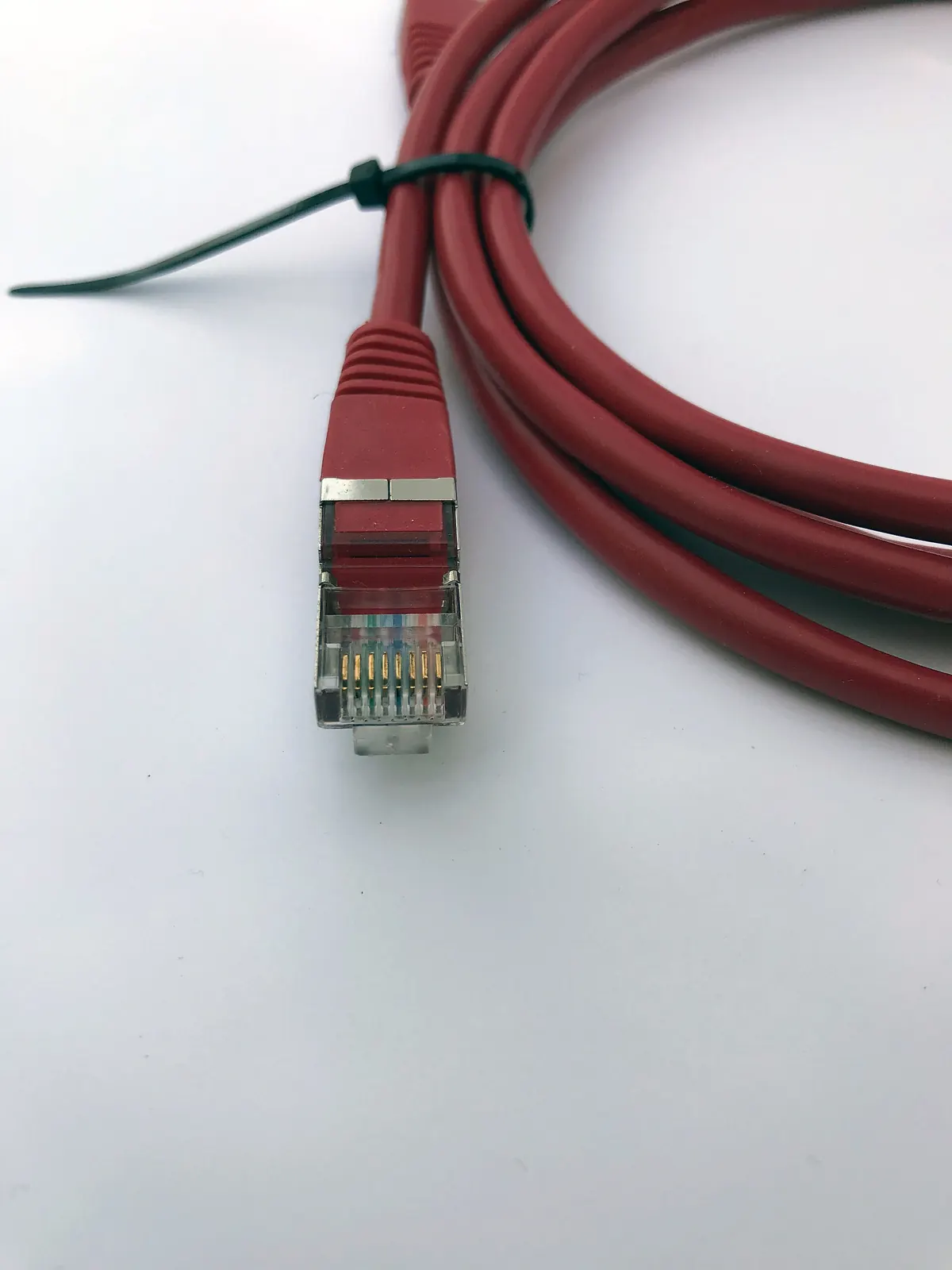
Your upload speed must comfortably exceed your stream bitrate. Connect the streaming computer or encoder by Ethernet, close other uploads during the event and test at the same time of day as the real stream.
Rights and permissions
Stream only content you have the right to share. Music, films and broadcast TV usually require licences, even in background use. Get consent where people, especially children, appear on camera, and follow your organisation's safeguarding policies. This is general information, not legal advice.
Testing before going live
- Run a private test stream for at least 30 minutes.
- Watch on a phone, a laptop and a TV.
- Check audio levels and lip-sync.
- Simulate a network drop to see recovery.
- Prepare a short "we will be back shortly" slide.
Building an M3U playlist for viewers
If you host your own HLS stream, you can create a simple M3U playlist with one entry pointing to it, plus a logo and group title. Viewers can add it to an IPTV player on a TV or phone. Keep the playlist private if your stream is meant for members only, and consider password protection on your server.
Scheduling and announcements
Publish a schedule so viewers know when to tune in. A static slide with the next stream time can loop between events. Announce changes in advance and test the stream address before every event.
Recording and catch-up
Record your stream locally while broadcasting. You can later upload the recording for members who missed it, subject to the same rights and consent rules as the live stream.
Security
Use strong passwords for streaming keys and server dashboards, never share stream keys publicly and change them if they leak. Keep OBS, encoder firmware and server software updated.
Common mistakes
- Streaming over Wi-Fi.
- Setting bitrate higher than upload can sustain.
- Using copyrighted music without permission.
- Not testing on viewers' typical devices.
A worked example
A community choir wants to stream concerts to members who cannot attend. A volunteer sets up OBS Studio on a laptop with a capture card, connects by Ethernet, streams 1080p at 5 Mbps via RTMP to a private platform link and tests on phones and a smart TV the evening before. The concert streams smoothly.
Checklist
- Choose your audience and delivery method.
- Set up capture and encoding.
- Use Ethernet and check upload.
- Clear rights and consent.
- Test on real devices before going live.
Key terms
- OBS Studio: free software for recording and streaming.
- RTMP/SRT: protocols for sending streams to servers.
- HLS: a delivery format that most players support.
Accessibility for viewers
Add captions where possible, especially for speeches, sermons and lessons. Some streaming platforms offer automatic captions; check their accuracy. Good audio, with a microphone close to the speaker, helps everyone, including viewers with hearing loss.
Quick summary
Pick your audience, encode sensibly, stream over Ethernet, clear rights and test before every event.
Hardware or software encoder?
Software encoding with OBS on a capable computer is flexible and inexpensive, ideal for occasional events. A hardware encoder is more reliable for regular or long streams, starts quickly after power cuts and frees the computer for graphics. Many organisations start with software and move to hardware as streaming becomes routine.
Final tip
Do a full rehearsal, with the same equipment and network, before every important event.
Frequently asked questions
What does an IPTV streamer need?
A capture source, an encoder, a delivery method and a stable upload connection.
Can I use free software?
Yes. OBS Studio is free and widely used.
Can people watch in IPTV players?
Yes, if you publish an HLS address they can add, or use multicast on a local network.
How much upload speed do I need?
Comfortably more than your stream bitrate; test beforehand.
Can I stream music in the background?
Only with the necessary rights or licences.
Summary
Becoming an IPTV streamer for your organisation means choosing a delivery method, encoding sensibly, using a wired connection, clearing rights and testing on real devices before going live.