Buying an IPTV encoder over $1000 is usually a business decision rather than a personal purchase. Someone, whether a manager, finance team or client, will want to know why the money is needed and how the choice was made. A clear justification and a careful buying process make approval easier and reduce the risk of an expensive mistake.
Monster IPTV is not affiliated with any manufacturer and does not quote specific products. This guide covers the process: building the case, writing a brief, requesting quotes, running demos and protecting the investment.
Building the case
A strong justification answers four questions:
| Question | Example answer |
|---|---|
| What problem does it solve? | Guests complain about unreliable TV channels |
| What happens if we do nothing? | Complaints, refunds and staff time continue |
| Why this level of equipment? | We need many channels, redundancy and support |
| What does it cost over its life? | Purchase, licences, support, power and installation |
Cheaper alternatives should be considered and explained. If a mid-range unit could do the job, say why it was rejected, for example lack of redundancy or channel density.
Writing a requirements brief
A short brief keeps vendors focused and makes quotes comparable:
- Sources: number, types and resolutions.
- Outputs: protocols, such as multicast, HLS, RTMP or SRT.
- Codecs: based on every receiving device.
- Channel count: now and in three years.
- Reliability: redundant power, alarms, failover.
- Management: web, SNMP, API, central control.
- Support: firmware period, response times, warranty.
- Environment: rack space, power and cooling available.
Requesting quotes
- Send the same brief to at least two or three vendors or integrators.
- Ask for itemised quotes, including optional licences and support.
- Ask what is excluded, such as installation, switches or receivers.
- Request references from similar projects.
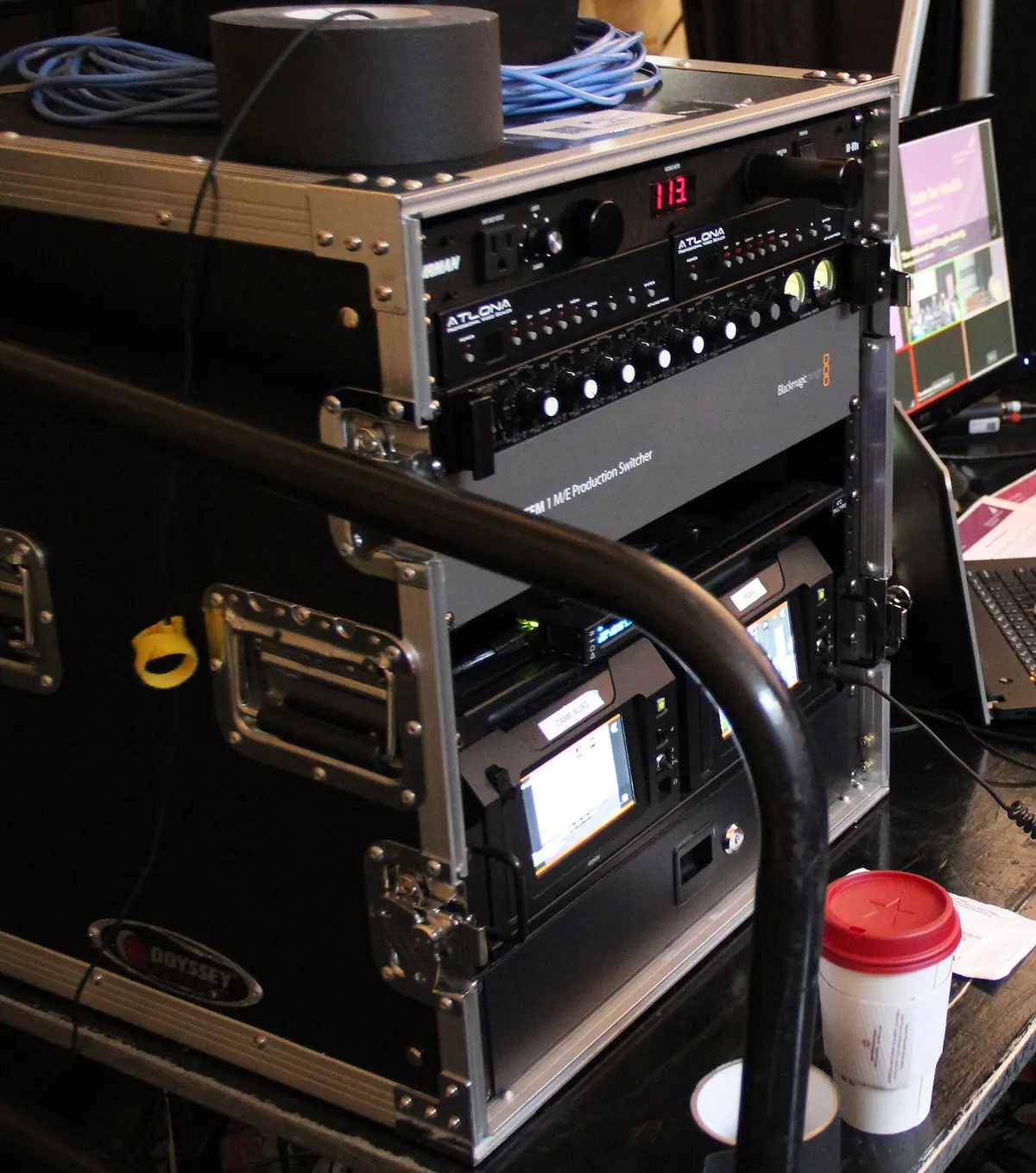
Comparing quotes fairly
Put quotes side by side with the same channel count, settings and support period. Add missing items so totals compare like for like. Our guide what is the best IPTV encoder explains a weighted scoring method that works well here.
Running demos
- Test the top one or two options on site.
- Use your real sources, network and screens.
- Run a long test, at least a day.
- Measure latency and channel change speed.
- Simulate faults: pull an input, cut power to one supply.
- Involve the people who will operate it.
Negotiating sensibly
- Ask whether demo units or bundled support are available.
- Ask about multi-year support pricing.
- Check whether licences transfer if hardware is replaced.
- Confirm delivery times and installation support.
Protecting the investment
| Area | What to do |
|---|---|
| Installation | Rack mount with UPS, good cooling and labelled cabling |
| Configuration | Back up after every change |
| Firmware | Update during quiet hours after reading release notes |
| Monitoring | Enable alarms for input loss and temperature |
| Spares | Keep a spare or a failover plan for critical systems |
| Documentation | Record addresses, channels and settings |
Our guide to hardware IPTV encoder anatomy covers reliability and lifecycle in more detail.
Measuring success after installation
Set simple measures before purchase, such as fewer guest complaints, fewer support calls or more reliable events, and review them after a few months. This shows whether the investment worked and supports future budgets.
Involving the right people
Bring IT, AV and finance into the process early. IT will care about network design, security and management access; AV about picture quality, latency and operation; finance about total cost and support terms. A short meeting at the brief stage avoids late objections. Ask each group to sign off on the requirements before quotes are requested.
Security considerations
Professional encoders sit on your network and often have web interfaces. Ask vendors how they handle security updates, whether default passwords must be changed at setup, and whether management can be restricted to a separate network. Include these requirements in your brief.
Common mistakes
- Buying without a written brief.
- Comparing quotes with different scopes.
- Forgetting licences and support in the total.
- Skipping fault simulation during demos.
A worked example
A conference centre needs to replace unreliable encoders. The AV manager writes a one-page brief, requests itemised quotes from three integrators and finds that one excludes licences. After adjusting the totals, two options remain. A two-day on-site demo with fault simulation shows one handles power loss cleanly, so the manager recommends it, citing fewer event disruptions as the main benefit. The purchase of an IPTV encoder over $1000 is approved.
Checklist
- Build the case with problem, risk and lifetime cost.
- Write a requirements brief.
- Request itemised quotes.
- Compare like for like.
- Demo with fault simulation.
- Protect and measure the investment.
Key terms
- Requirements brief: a document listing what the system must do.
- Itemised quote: a quote listing each component and service separately.
- Failover: automatic switching to backup equipment when something fails.
Licensing reminder
Distributing broadcast content to the public usually requires licences. Check with rights holders or a qualified adviser. This is general information, not legal advice.
Planning the replacement cycle
Even well-chosen equipment eventually reaches end of support. Record the purchase date, warranty end and expected support period, and add a replacement line to future budgets. Reviewing the system every year keeps surprises to a minimum, and lets you plan a replacement before failures start rather than after.
Frequently asked questions
When is an IPTV encoder over $1000 justified?
When you need many channels, high reliability, management and long-term support, or when downtime has a real cost.
How many quotes should I get?
At least two or three, based on the same brief.
What should a requirements brief include?
Sources, outputs, codecs, channel count, reliability, management, support and environment.
Should demos include fault tests?
Yes. Simulate input loss and power failure.
How do I show the investment worked?
Set measures before purchase, such as fewer complaints, and review them afterwards.
Summary
An IPTV encoder over $1000 needs a clear case, a written brief, itemised quotes, like-for-like comparison and demos with fault simulation. Protect the investment with proper installation, backups, monitoring and spares, and measure the results.