If you have just moved to the United States, setting up TV can feel confusing. Cable packages, satellite dishes, antennas, live TV streaming services and dozens of apps all compete for your attention. Many newcomers search ip tv in usa because internet-based TV is flexible, works in rented homes and moves with you. This guide walks through setting up TV in a new American home step by step.
For an overview of US options, see our IPTV USA guide. Prices and line-ups change, so check providers' current terms.
Step 1: get reliable home internet
Internet-based TV depends on your broadband. When choosing a provider:
- Check which providers serve your address; choice varies by area.
- Look at typical speeds and whether there are data caps.
- Ask about equipment fees, contracts and promotional prices that rise later.
- Consider your household's streaming: several HD or 4K streams at once need more capacity.
Place the router centrally, and connect the main TV by Ethernet if possible.
Step 2: add an antenna for free local channels
Many US areas receive free over-the-air channels, including local news and major networks, with an indoor or outdoor antenna. Reception depends on distance from transmitters and building materials. Online reception maps can suggest which channels you can expect at your address.
Step 3: choose streaming apps
| Need | Typical options |
|---|---|
| Local and national channels live | Live TV streaming services |
| Films and series | Subscription streaming services |
| Free channels | FAST services built into many TVs and apps |
| Sports | League apps and services carrying regional networks, depending on rights |
| News | Network apps and free news channels |
Start with free options and add paid services one at a time.
Step 4: international channels from home
Many newcomers want channels from their home country. Options include:
- International packages from some US TV and streaming providers.
- Official international editions of broadcasters' apps.
- FAST channels in various languages.
Check each service's availability in the US and its terms.
Step 5: pick devices
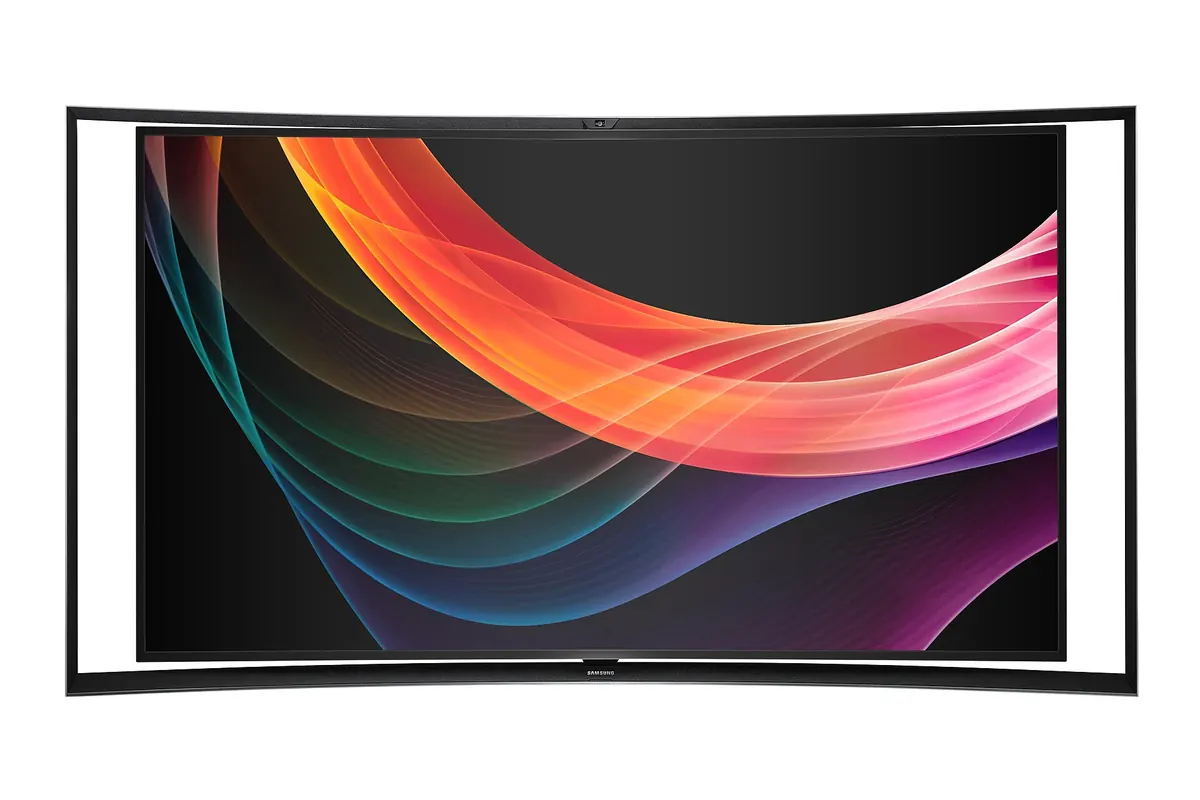
- Smart TVs run many apps directly.
- Streaming sticks and boxes add apps to any TV and often perform better on older TVs.
- Phones and tablets work for personal viewing.
Choose a platform that supports all the apps you need.
Step 6: avoid unnecessary contracts
- Avoid long contracts until you know your viewing habits.
- Beware of promotional prices that rise after a year.
- Cancel trials you do not want before they convert.
Typical monthly cost patterns
| Setup | Cost pattern |
|---|---|
| Antenna plus free apps | Lowest; one-time antenna cost |
| Antenna plus one or two subscriptions | Moderate |
| Live TV streaming service | Higher monthly cost |
| Cable or satellite package | Often highest, with equipment fees |
Many households find antenna plus a few apps covers most needs.
Unlicensed services
Offers of hundreds of premium US and international channels for a very low price may not hold the necessary rights and can carry legal and security risks. Our article is IPTV legal? gives general information, not legal advice.
Accessibility and language options
Most US streaming apps offer closed captions, and many offer audio in Spanish or other languages for some content. Over-the-air broadcasts also carry captions. Check these settings on your TV and in each app if anyone at home needs them.
Setting up for children
Create profiles with parental controls in each streaming app, set a PIN for purchases on your streaming device and use the TV's own restrictions where available.
Reviewing after three months
After a few months, list what you actually watch and which services you use. Cancel anything idle, and consider annual plans only for services you use all year. Promotional internet prices often rise after twelve months, so note the date and compare offers before it ends.
Common mistakes
- Signing a long cable contract on arrival.
- Ignoring free antenna channels.
- Paying for several services with overlapping content.
- Using Wi-Fi far from the router for the main TV.
A worked example
A family moves from Spain to Texas. They choose a broadband plan without a data cap, buy an indoor antenna that picks up local networks, install free FAST apps on their smart TV and add one service with Spanish-language channels. They skip a cable contract and review after three months.
Checklist
- Choose reliable internet.
- Add an antenna.
- Start with free apps.
- Add paid services one at a time.
- Avoid long contracts early on.
Key terms
- Over-the-air (OTA): free broadcasts received by antenna.
- FAST: free ad-supported streaming TV.
- Data cap: a monthly limit on internet usage.
Monster IPTV
Monster IPTV does not promise specific US or international channels. If particular channels matter to you, ask support before ordering and use the free trial. See pricing and our guide to the best IPTV USA choices.
Getting help locally
Neighbours, local community groups and electronics stores can advise on antenna reception and which internet providers perform well in your area. Ask what works on your street before buying equipment.
Moving again later
Internet-based TV moves with you. When you change address, take your streaming devices and antenna, update your internet service and check local channels at the new location. Contracts and installed equipment are what make moves complicated, which is another reason to keep things flexible at first.
Frequently asked questions
How do I set up ip tv in usa homes?
Get reliable internet, add an antenna, start with free apps and add paid services as needed.
Are local channels free in the US?
Many are available free over the air with an antenna, depending on reception.
Can I watch channels from my home country?
Often, through international packages, broadcaster apps or FAST channels.
Do I need a cable contract?
No. Many households use internet and antenna only.
What should I watch out for?
Promotional prices that rise, data caps and unlicensed bundles.
Summary
Setting up ip tv in usa homes is simplest in steps: reliable internet, an antenna for free local channels, free apps first, then paid services one at a time. Avoid long contracts until you know your habits, and check terms for international channels.